
浮動 W 按鈕
Where in the UI: 任意 http(s) 頁面上的內容指令碼。
無需開啟 NTP 即可儲存頁面或剪藏區域。
Interface elements
邊緣 W 按鈕 (吸附左/右/上,可拖動)
懸停彈出層:儲存頁面 / 選擇區域 (擴充套件介面語言)
可隱藏;從彈窗再次顯示
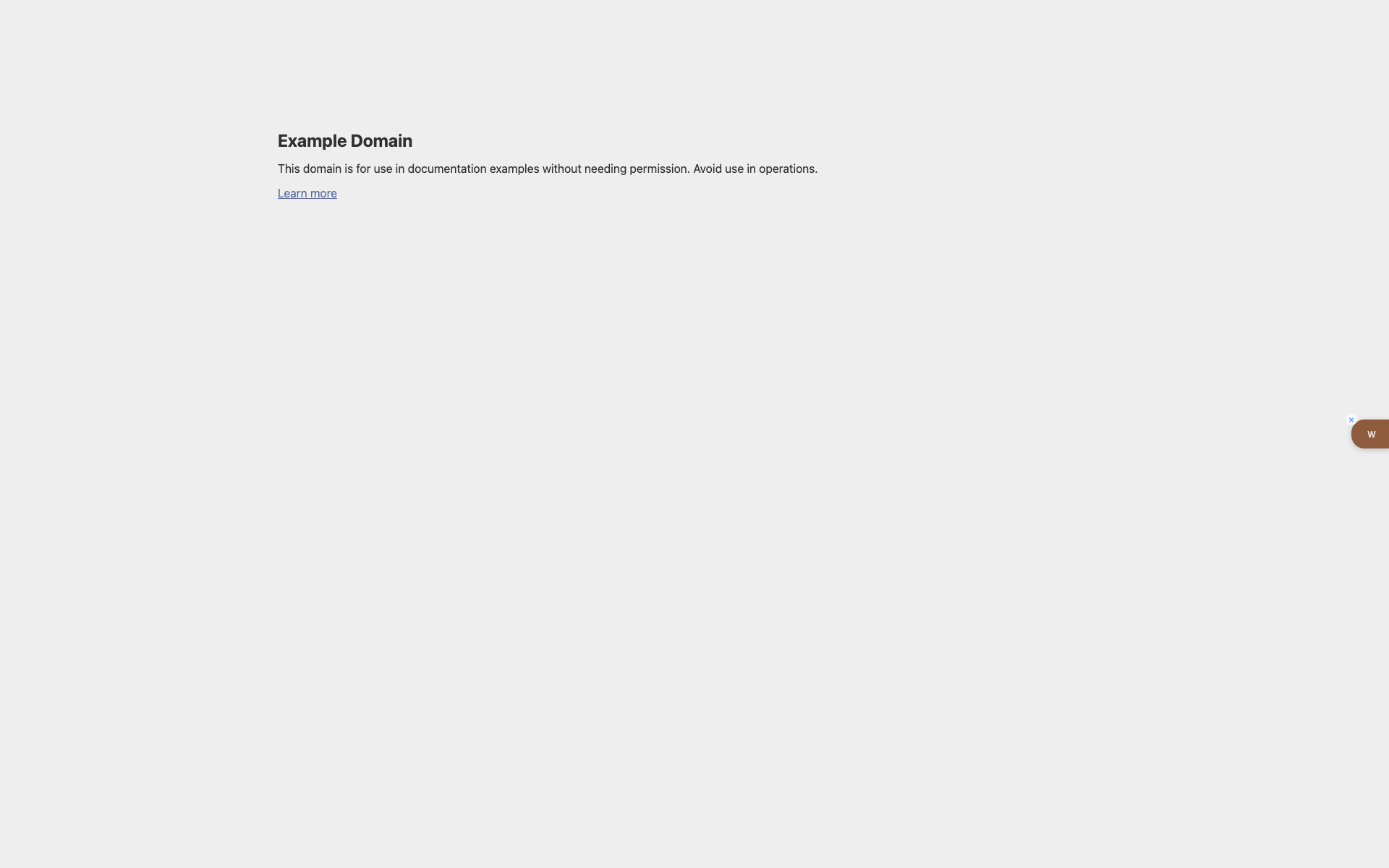
example.com 上的 W 按鈕
淺色 Example Domain 頁面。
右邊緣 — 帶白色 "w" 和隱藏 × 的棕色標籤。
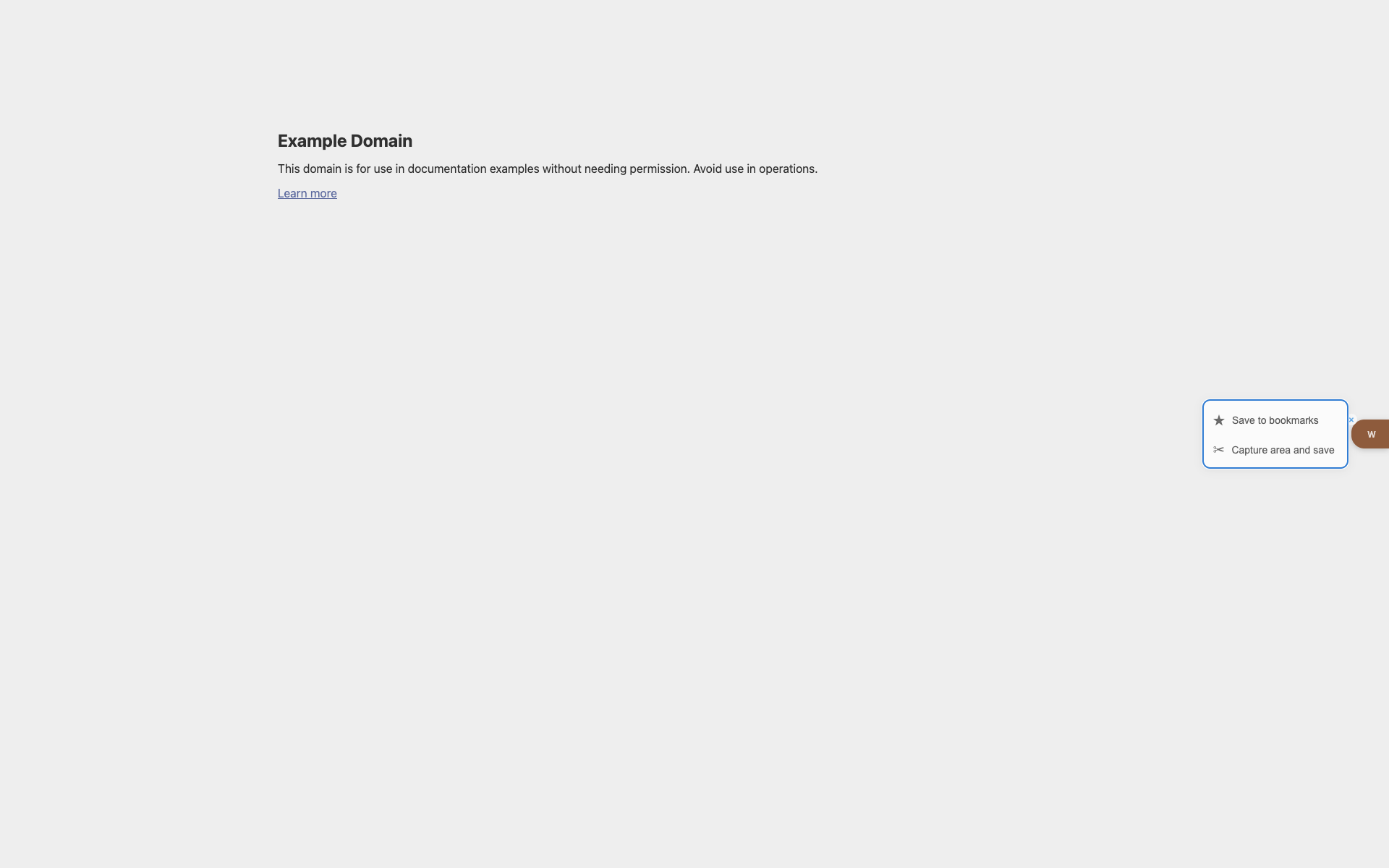
懸停彈出層
W 旁出現儲存 / 區域捕獲操作。
Didn’t find an answer?
Tell us what’s missing — we build the extension around real requests.