
手動新增書籤
Where in the UI: 檔案 → 新建書籤;「+」卡片;#addClipModal。
不使用頁面剪藏新增 URL。
Interface elements
欄位:URL、標題、資料夾選擇
取消 / 新增
選單快捷鍵:⌘N / Ctrl+N
Main flow
1
檔案 → 新建書籤。
2
輸入 URL (可選標題),選擇資料夾。
3
新增 → 卡片出現在網格中。
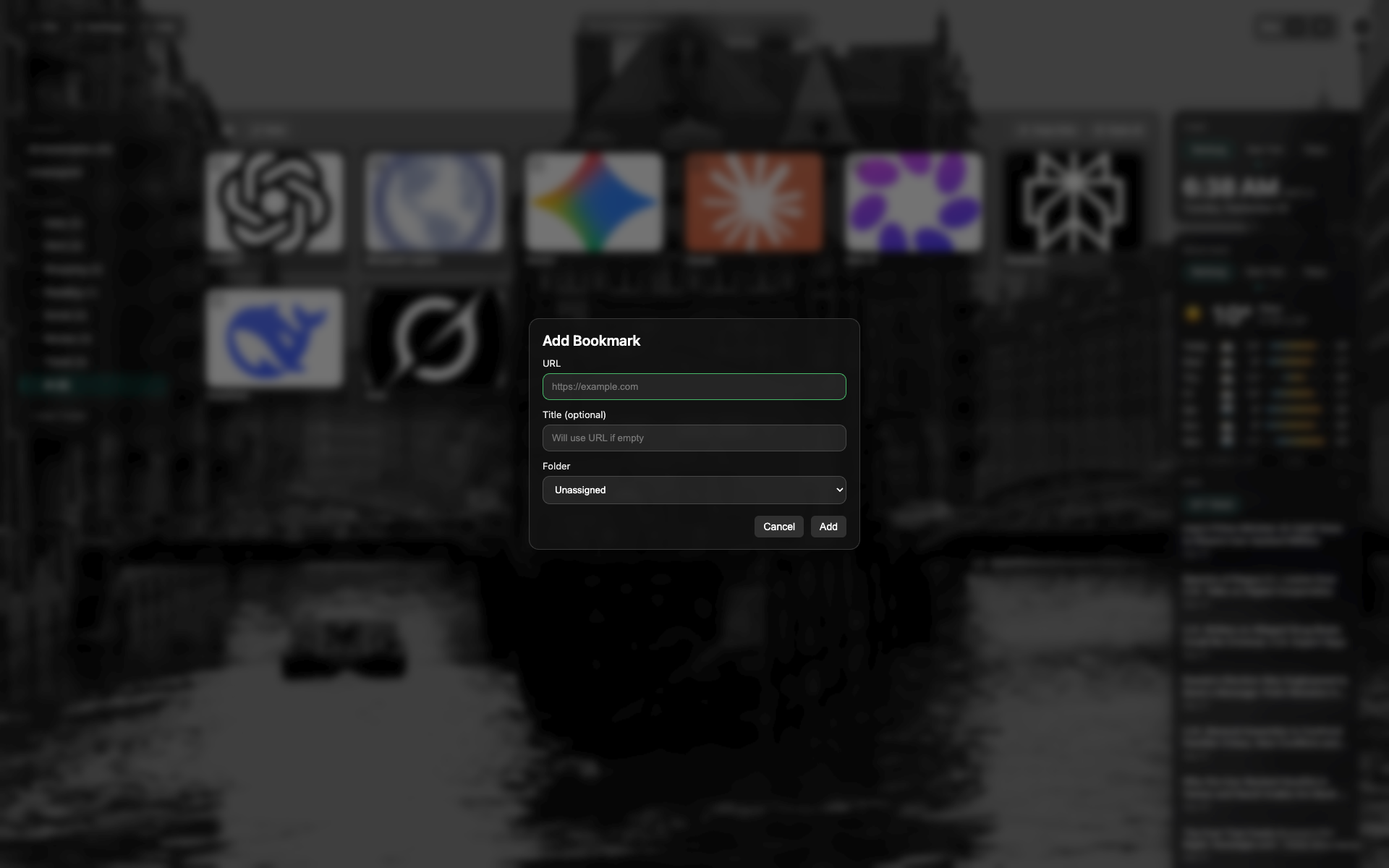
新建書籤對話方塊
URL 與標題欄位、資料夾選擇。
對話方塊底部的取消 / 新增按鈕。
Didn’t find an answer?
Tell us what’s missing — we build the extension around real requests.