
Tambah bookmark manual
Where in the UI: File → Bookmark baru; kartu "+"; #addClipModal.
Tambah URL tanpa page clipper.
Interface elements
Kolom: URL, judul, pemilih folder
Batal / Tambah
Pintasan menu: ⌘N / Ctrl+N
Main flow
1
File → Bookmark baru.
2
Masukkan URL (judul opsional), pilih folder.
3
Tambah → kartu muncul di grid.
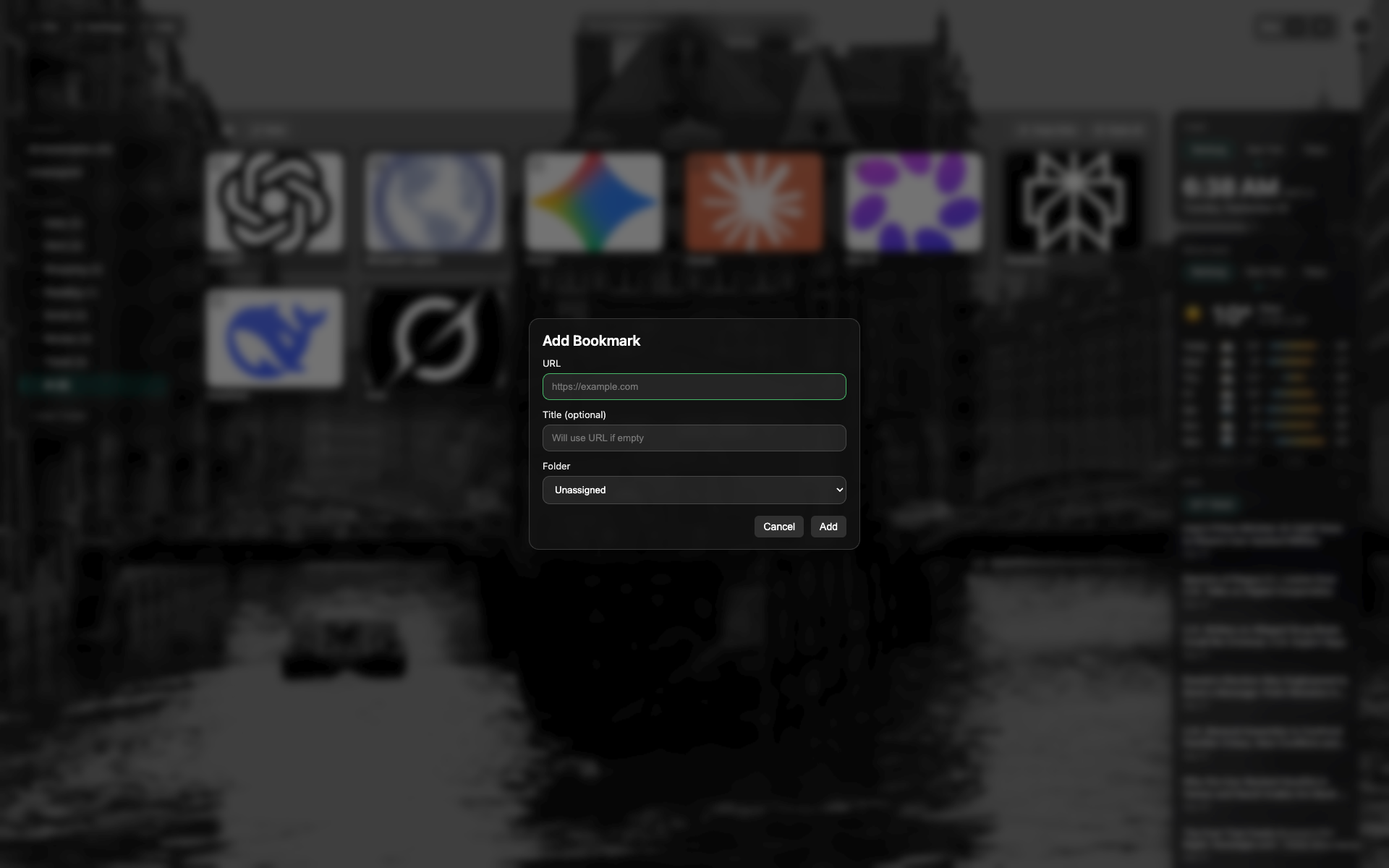
Modal bookmark baru
Kolom URL dan judul, pilih folder.
Tombol Batal / Tambah di bawah modal.
Related topics
Didn’t find an answer?
Tell us what’s missing — we build the extension around real requests.