
Pintasan keyboard
Where in the UI: manifest.commands + chrome://extensions/shortcuts; tombol di Umum.
Clip tanpa mouse.
Interface elements
Alt+S — mulai seleksi area (start_clip_selection)
Shift+Alt+S — simpan halaman ke Belum ditetapkan
Menu File NTP: ⌘N / ⇧⌘N / ⌘, (pintasan halaman lokal)
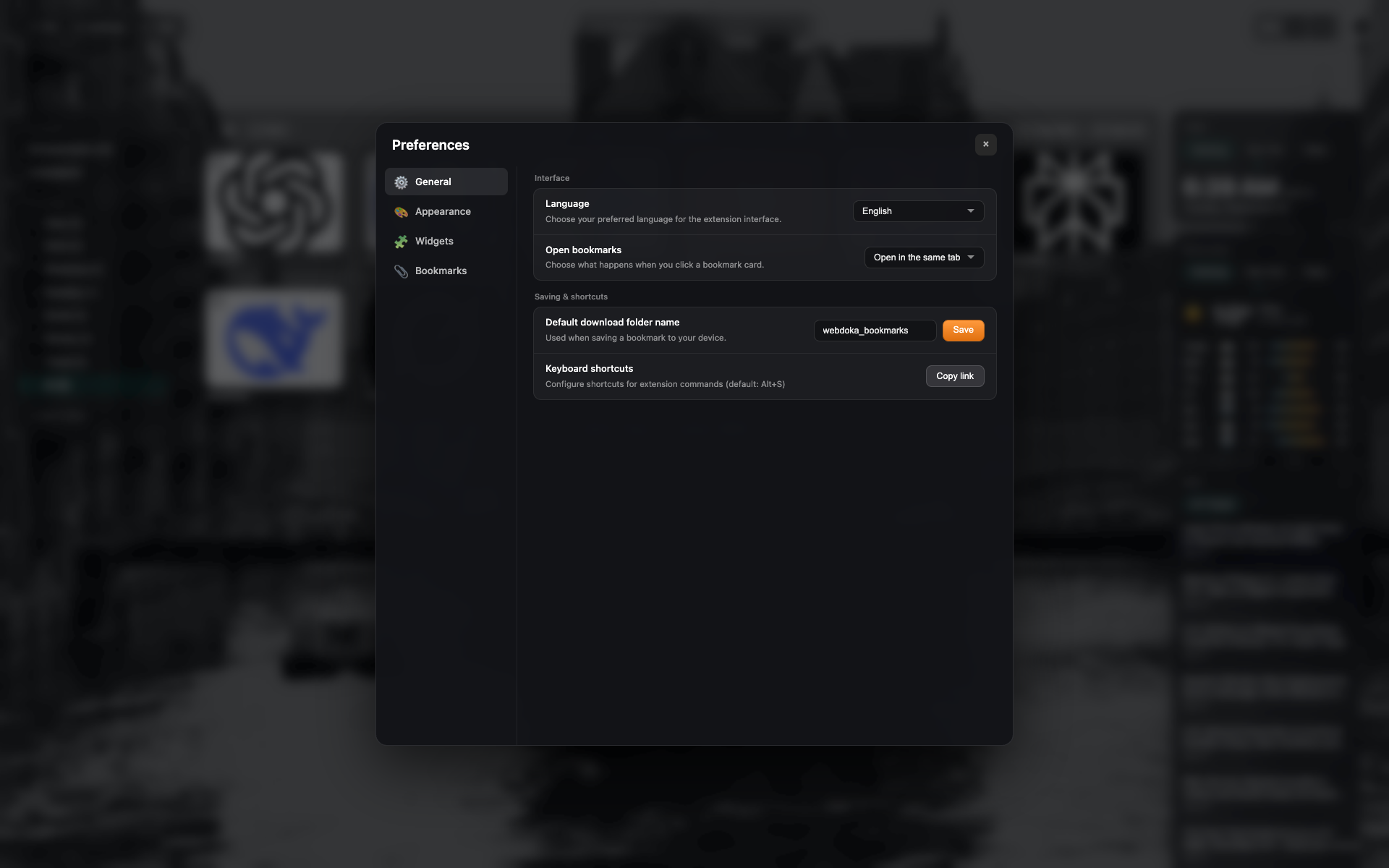
Baris pintasan di Umum
Blok Pintasan keyboard dengan tombol salin/buka chrome://extensions/shortcuts.
Bingkai sama settings-general — crop ke baris.
Related topics
Didn’t find an answer?
Tell us what’s missing — we build the extension around real requests.