
ทางลัดแป้นพิมพ์
Where in the UI: manifest.commands + chrome://extensions/shortcuts; ปุ่มใน General
คลิปโดยไม่ใช้เมาส์
Interface elements
Alt+S — เริ่มเลือกพื้นที่ (start_clip_selection)
Shift+Alt+S — บันทึกหน้าไป Unassigned
ในเมนู File ของ NTP: ⌘N / ⇧⌘N / ⌘, (ทางลัดหน้าในเครื่อง)
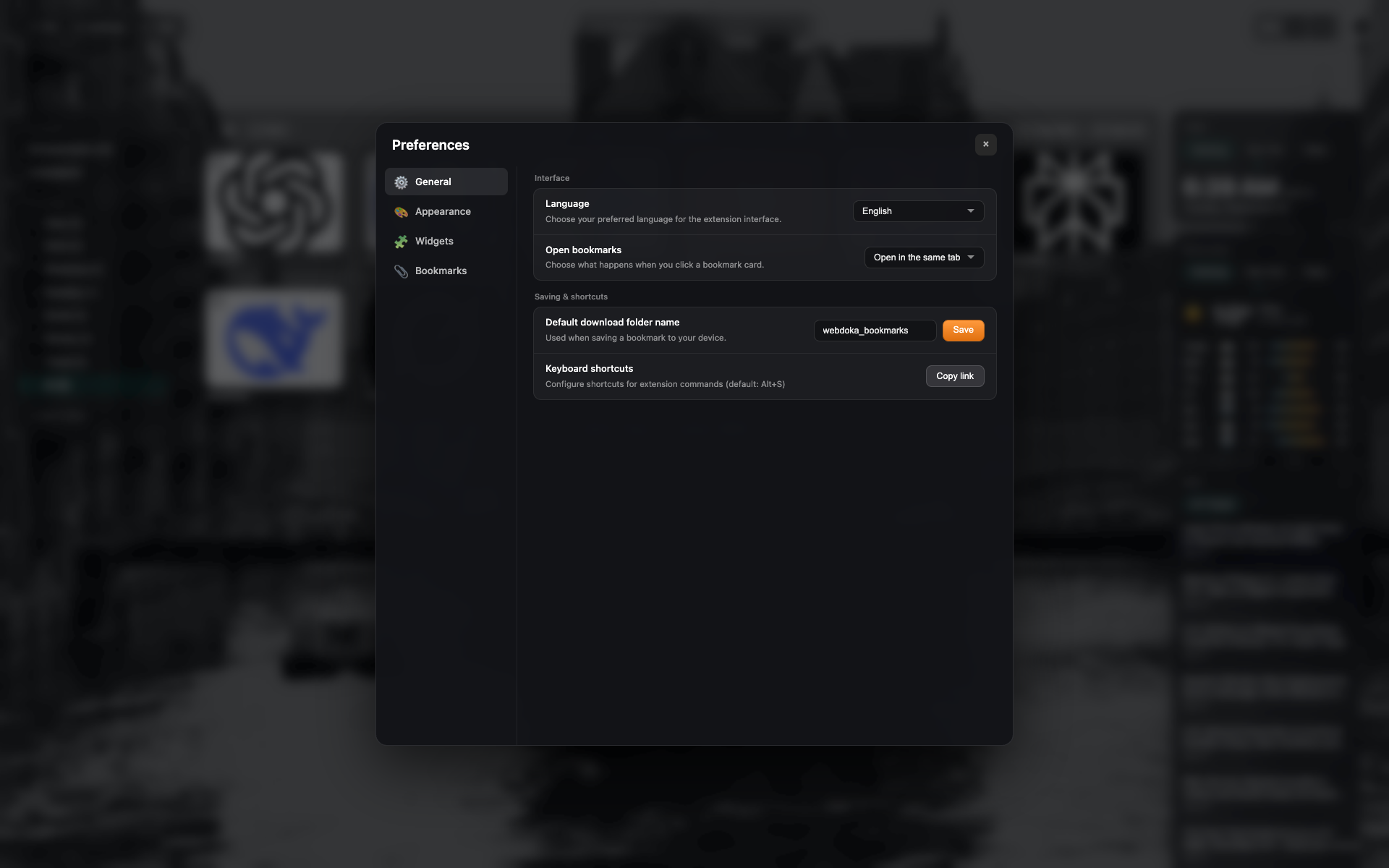
แถวทางลัดใน General
บล็อก "Keyboard shortcuts" พร้อมปุ่มเปิด/คัดลอก chrome://extensions/shortcuts
เฟรมเดียวกับ settings-general — ครอปแถว
Related topics
Didn’t find an answer?
Tell us what’s missing — we build the extension around real requests.