
Keyboard shortcuts
Where in the UI: manifest.commands + chrome://extensions/shortcuts; button sa General
Mag-clip nang walang mouse
Interface elements
Alt+S — simulan ang area selection (start_clip_selection)
Shift+Alt+S — i-save ang page sa Unassigned
Sa NTP File menu: ⌘N / ⇧⌘N / ⌘, (local page shortcuts)
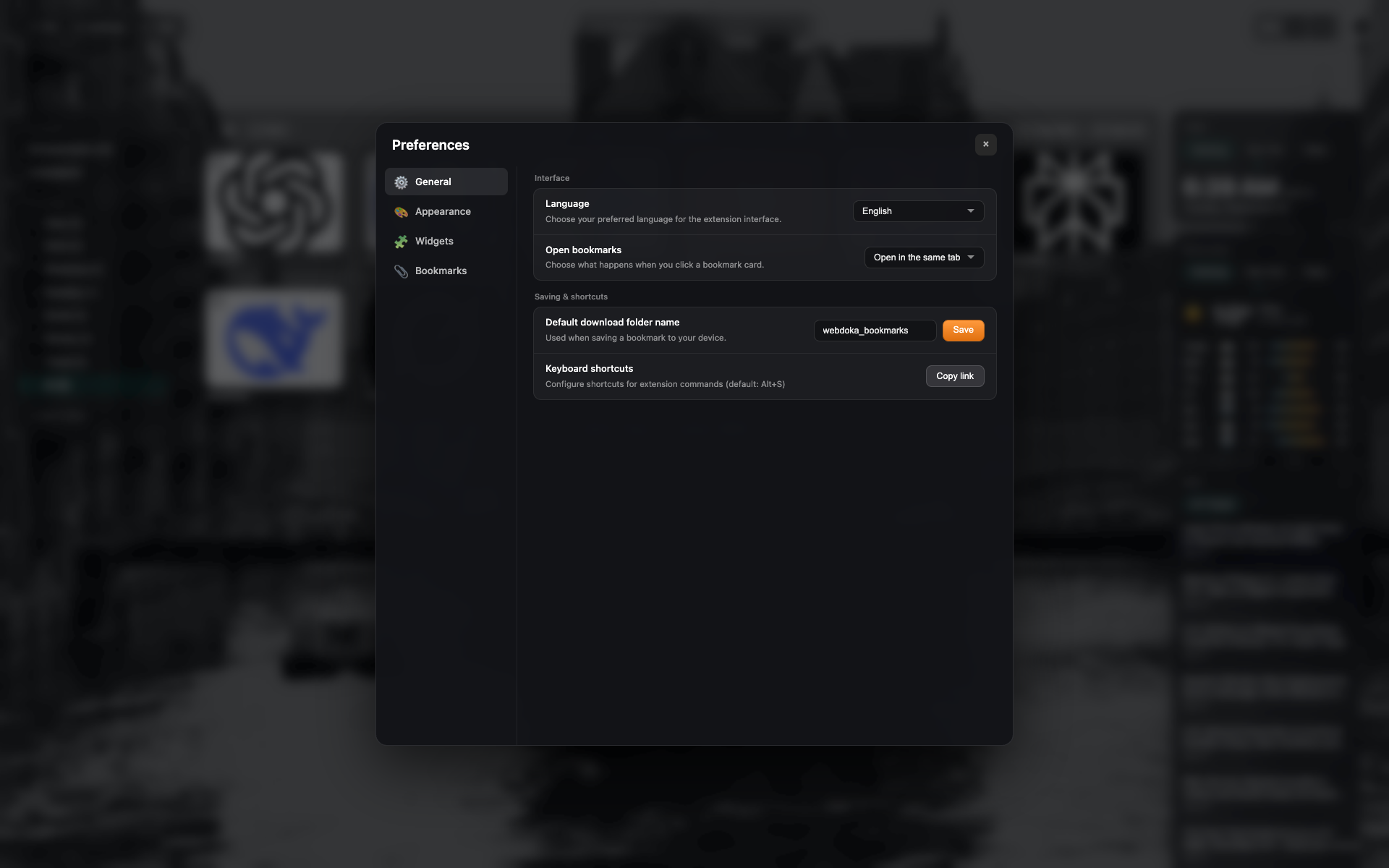
Shortcuts row sa General
Block na "Keyboard shortcuts" na may button para buksan/kopyahin ang chrome://extensions/shortcuts
Same frame gaya ng settings-general — i-crop sa row
Related topics
Didn’t find an answer?
Tell us what’s missing — we build the extension around real requests.