
Background at author credit
Where in the UI: Settings → Appearance / Background; #bgCredit sa ibaba ng NTP
Palitan ang wallpaper at buksan ang impormasyon ng may-akda
Interface elements
Preset sa build, CDN catalog sa newtab.webdoka.com/background
Sariling file (IndexedDB)
Credit: pangalan ng may-akda, menu (author page, mag-suggest ng background, palitan ang background)
UI text color sa background (uiTextColor)
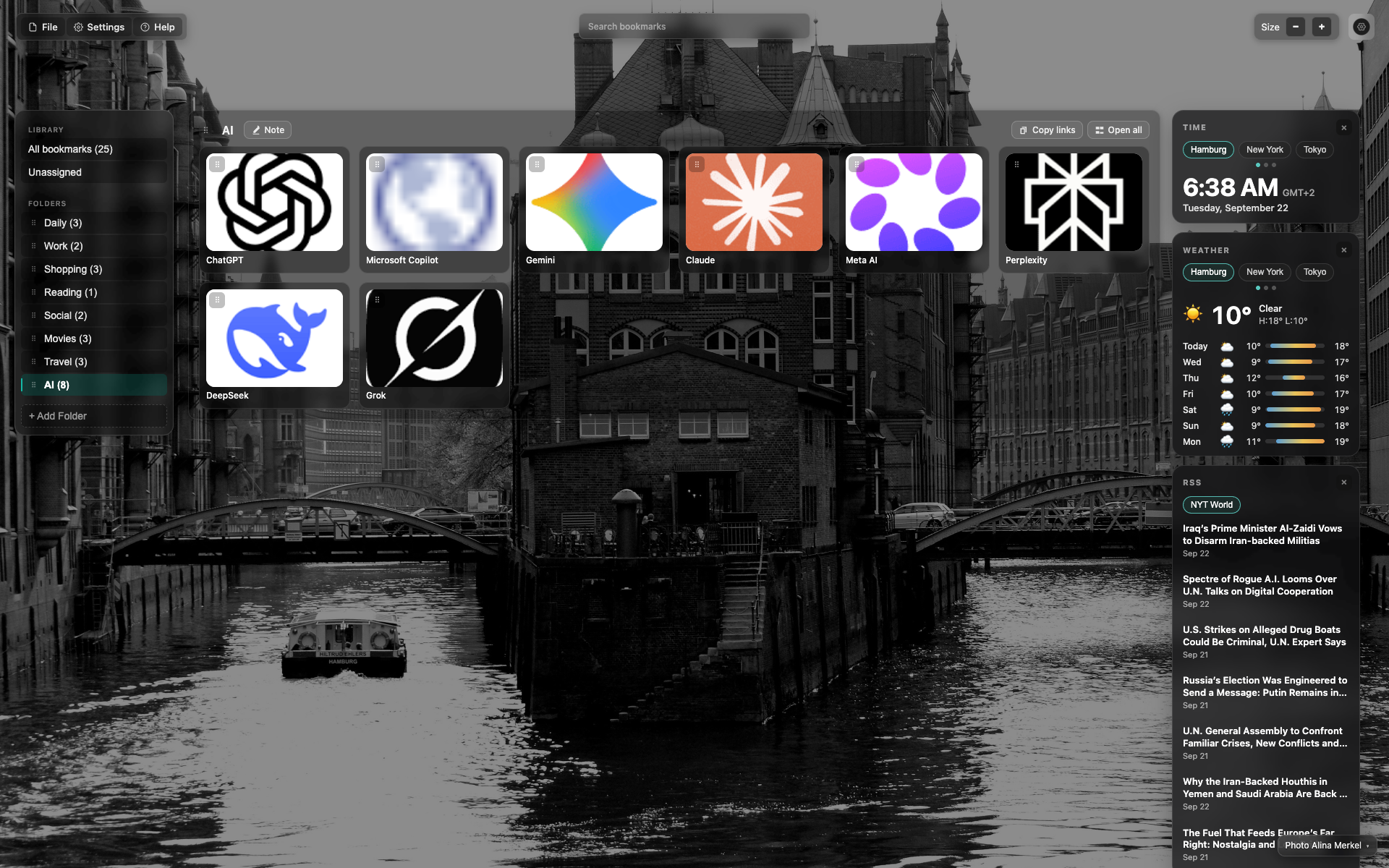
Credit sa ibaba ng NTP
Maliit na credit text sa ibaba/kanan sa background
I-click para buksan ang menu ng may-akda / palitan ang background
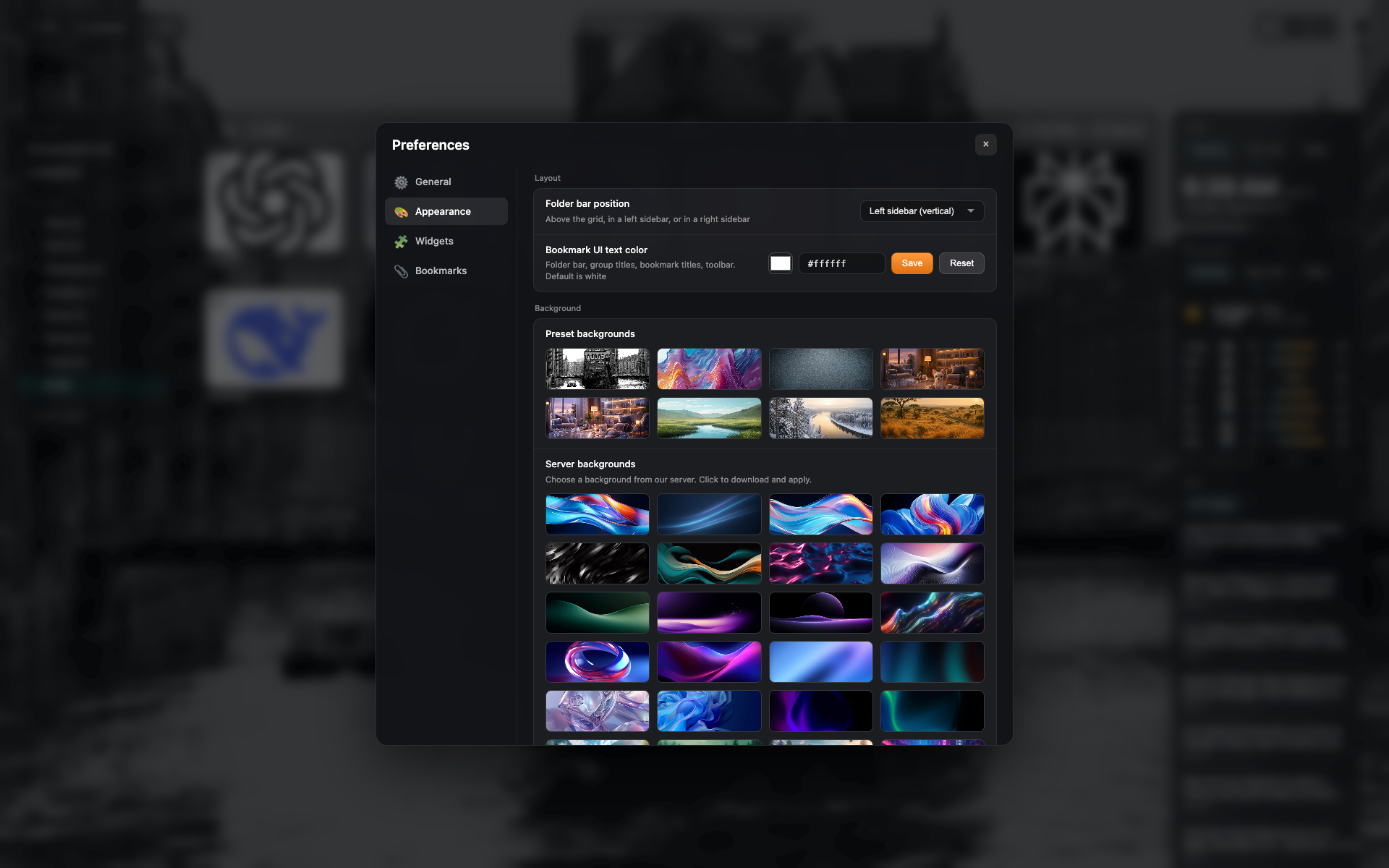
Preset sa Appearance
Tab "Appearance": grid ng preset at sariling upload
Related topics
Didn’t find an answer?
Tell us what’s missing — we build the extension around real requests.