
Google Drive sync
Where in the UI: Preferences → Clips → Google Drive section
I-sync ang library bilang JSON file sa sariling Drive (hindi Webdoka server)
Interface elements
Sign in / Sign out
I-sync ngayon
Email + avatar kapag naka-sign in
Webdoka New Tab.json file sa My Drive
Language/background/widgets ay local
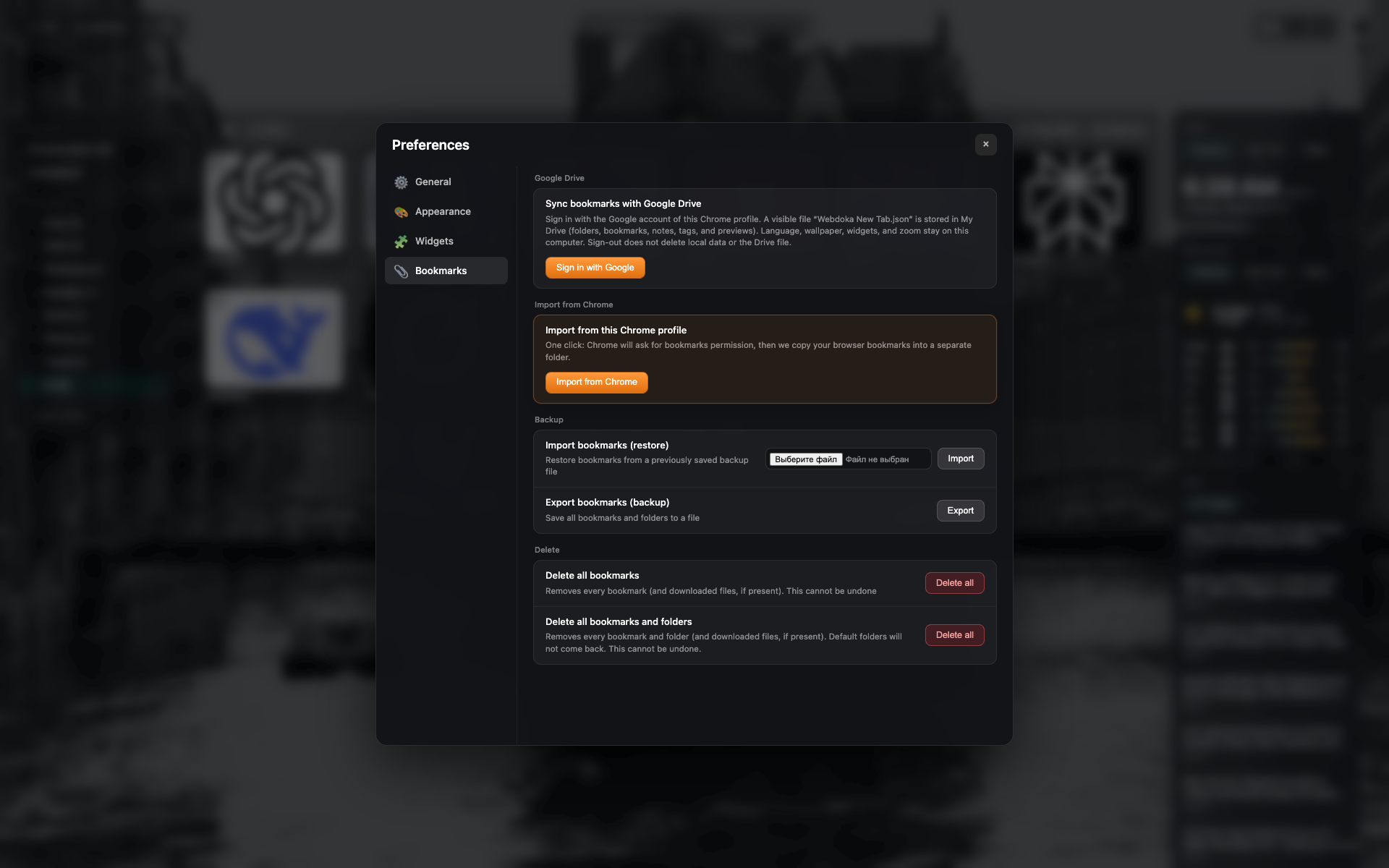
Google Drive block
Signed-out: sign-in button
Same Bookmarks-tab frame — i-crop sa Drive section
Related topics
Didn’t find an answer?
Tell us what’s missing — we build the extension around real requests.