
Google Drive sync
Where in the UI: Préférences → Clips → section Google Drive.
Synchronisez bibliothèque σε tant que fichier JSON visible σε votre propre Drive (pas σε serveur Webdoka).
Interface elements
Σύνδεση / Αποσύνδεση
Synchronisez maintenant
E-mail + avatar fois connecté
Αρχείο Webdoka New Tab.json στο My Drive
La γλώσσα/l'φόντο/les widget restent locaux
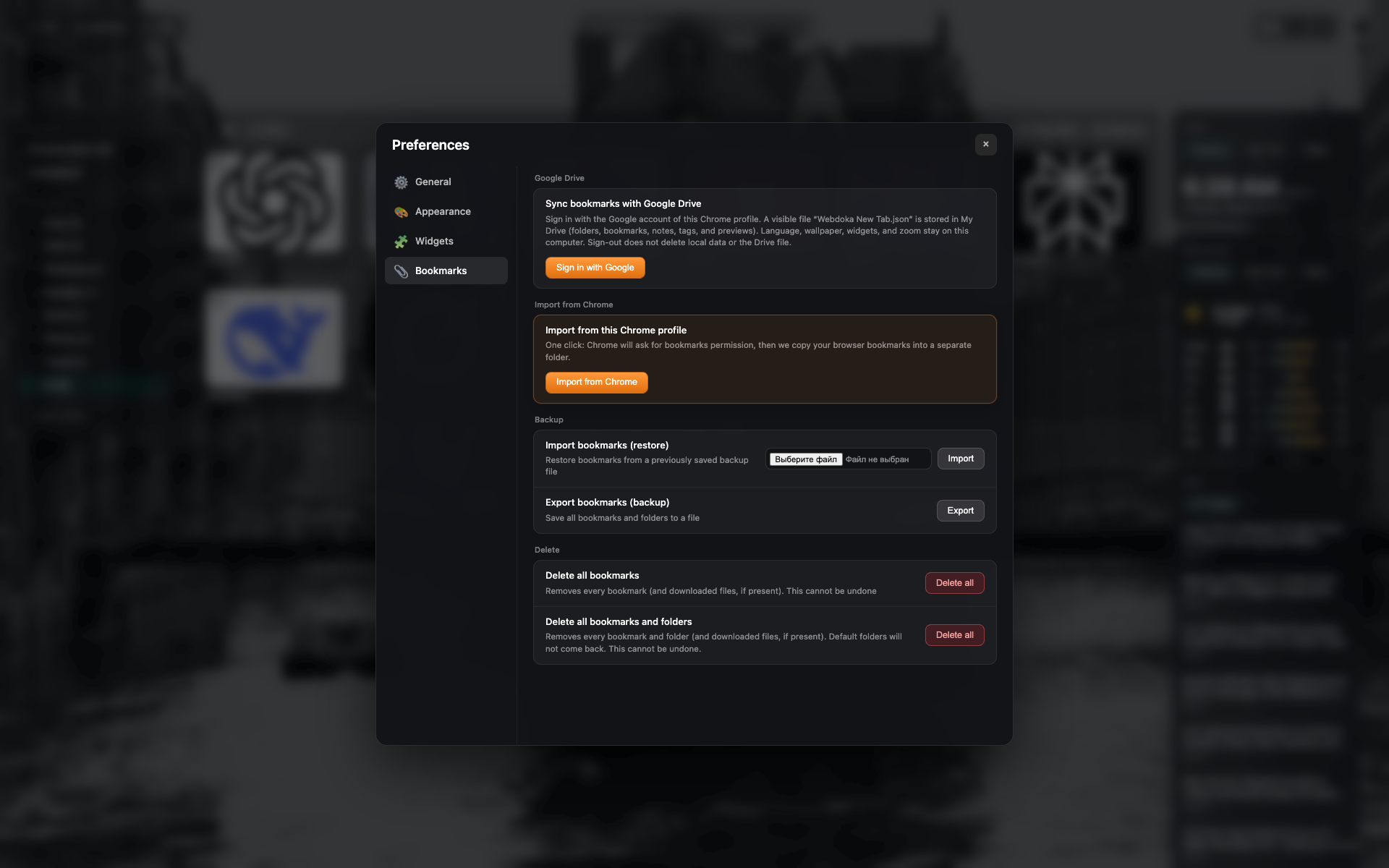
Le bloc Google Drive
État déconnecté : κουμπί connexion.
Même cadre d'καρτέλα Favoris - recadrez σε section Lecteur.
Didn’t find an answer?
Tell us what’s missing — we build the extension around real requests.