
Google Drive sync
Where in the UI: Nastavenia → zakładki → Abschnitt Google Drive.
Biblioteka als sichtbare JSON-Súbor auf dem eigenen Drive synchronisieren (kein Webdoka-Server).
Interface elements
Anmelden / Abmelden
Jetzt synchronisieren
E-Mail + Avatar bei Anmeldung
Súbor Webdoka New Tab.json in Meine Ablage
Sprache/Pozadie/Widgety bleiben lokal
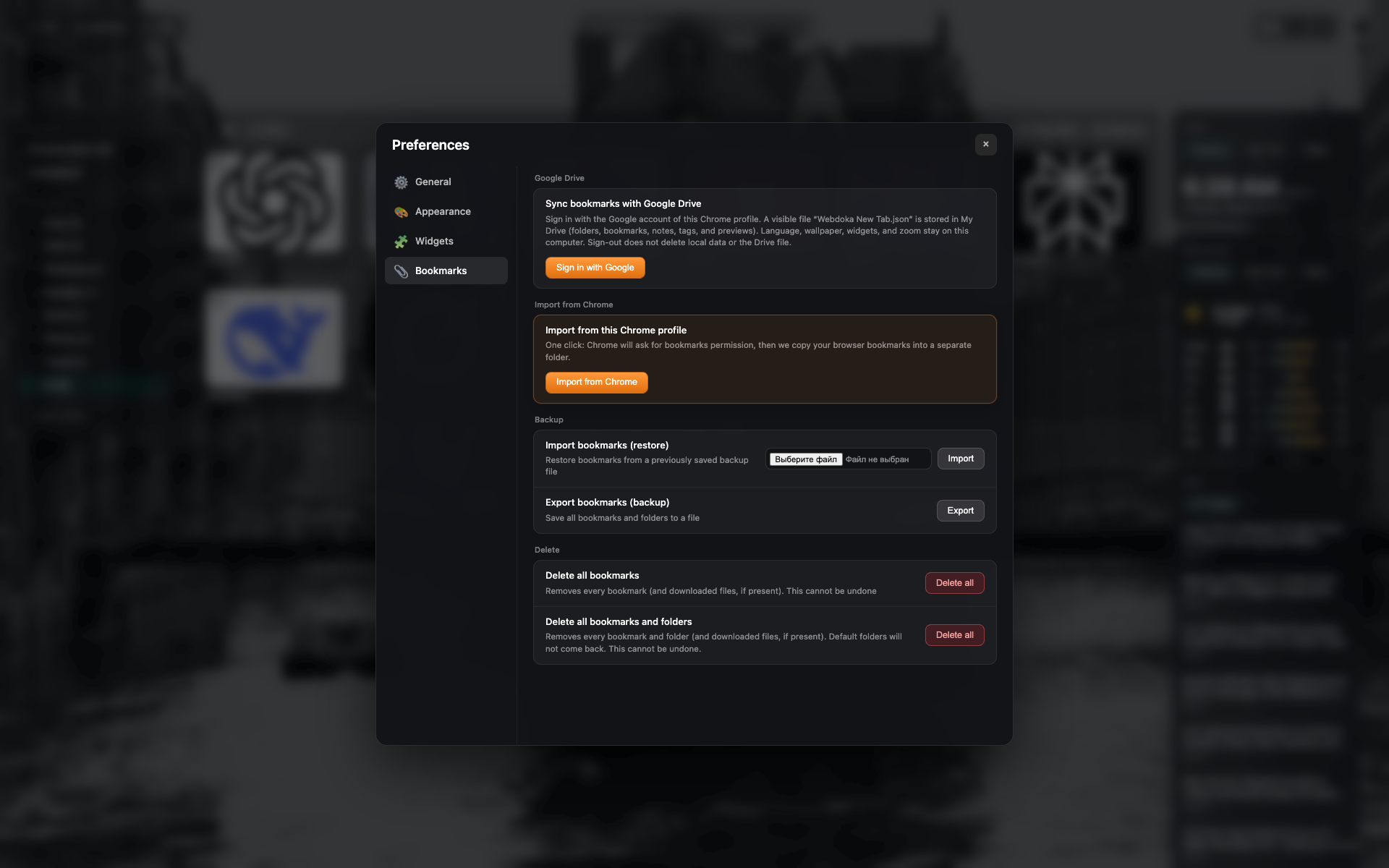
Block Google Drive
Abgemeldet: Anmelde-Tlačidlo.
Ten sam kadr kariety Záložky — przytnij do sekcji Drive.
Related topics
Didn’t find an answer?
Tell us what’s missing — we build the extension around real requests.