
Sincronizzazione Google Drive
Where in the UI: Preferenze → Clip → sezione Google Drive.
Sincronizza la libreria come file JSON visibile sul tuo Drive (non server Webdoka).
Interface elements
Accedi / Esci
Sincronizza ora
Email + avatar quando connesso
File Webdoka New Tab.json in Il mio Drive
Lingua/sfondo/widget restano locali
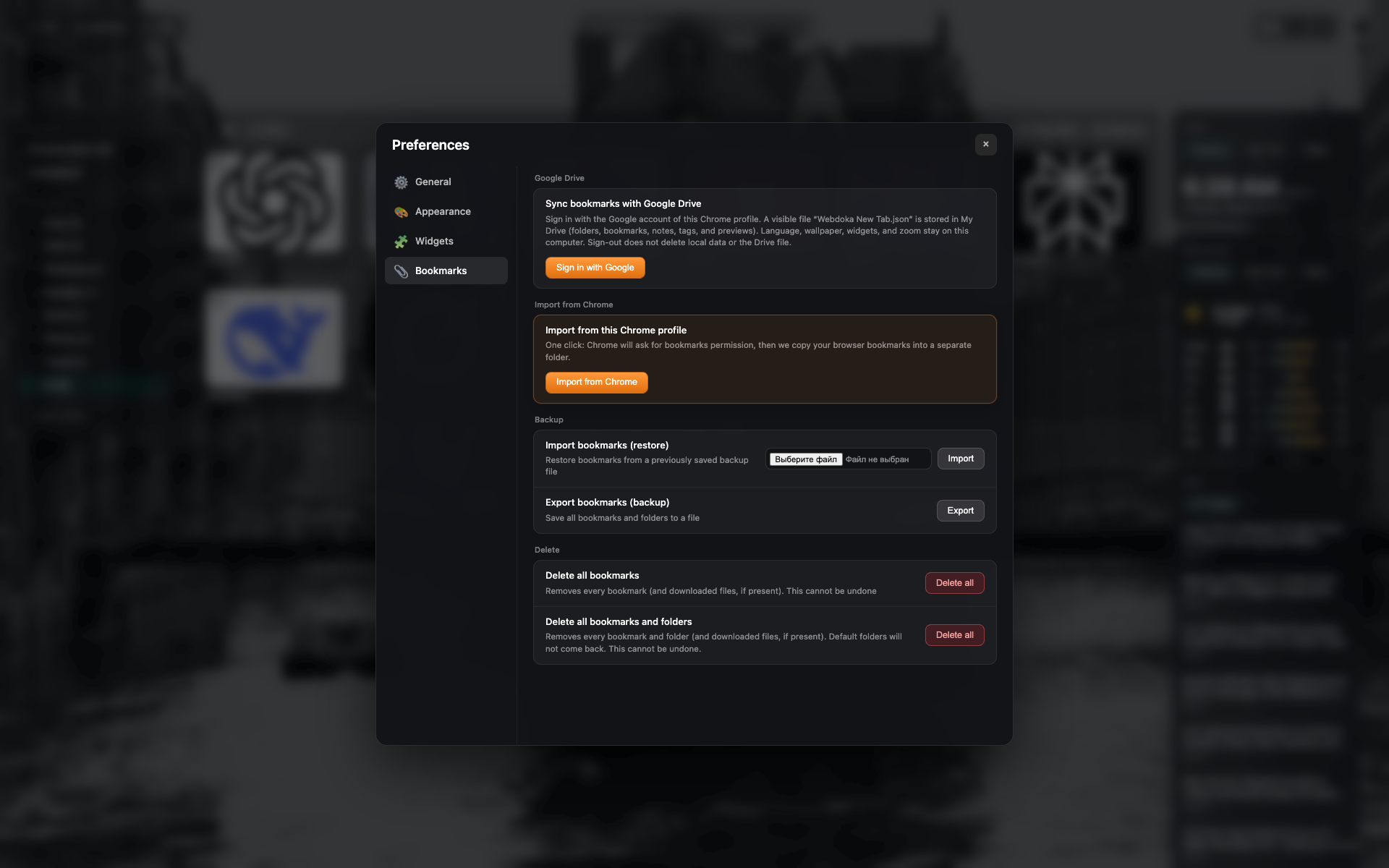
Blocco Google Drive
Stato disconnesso: pulsante accedi.
Stesso frame scheda Segnalibri: ritaglia su sezione Drive.
Related topics
Didn’t find an answer?
Tell us what’s missing — we build the extension around real requests.