
Sincronización con Google Drive
Where in the UI: Configuración → Clips → sección Google Drive.
Sincronizar la biblioteca como JSON visible en tu Drive (no servidor Webdoka).
Interface elements
Iniciar sesión / Cerrar sesión
Sincronizar ahora
Correo + avatar al iniciar sesión
Archivo Webdoka New Tab.json en Mi unidad
Idioma/fondo/widgets permanecen locales
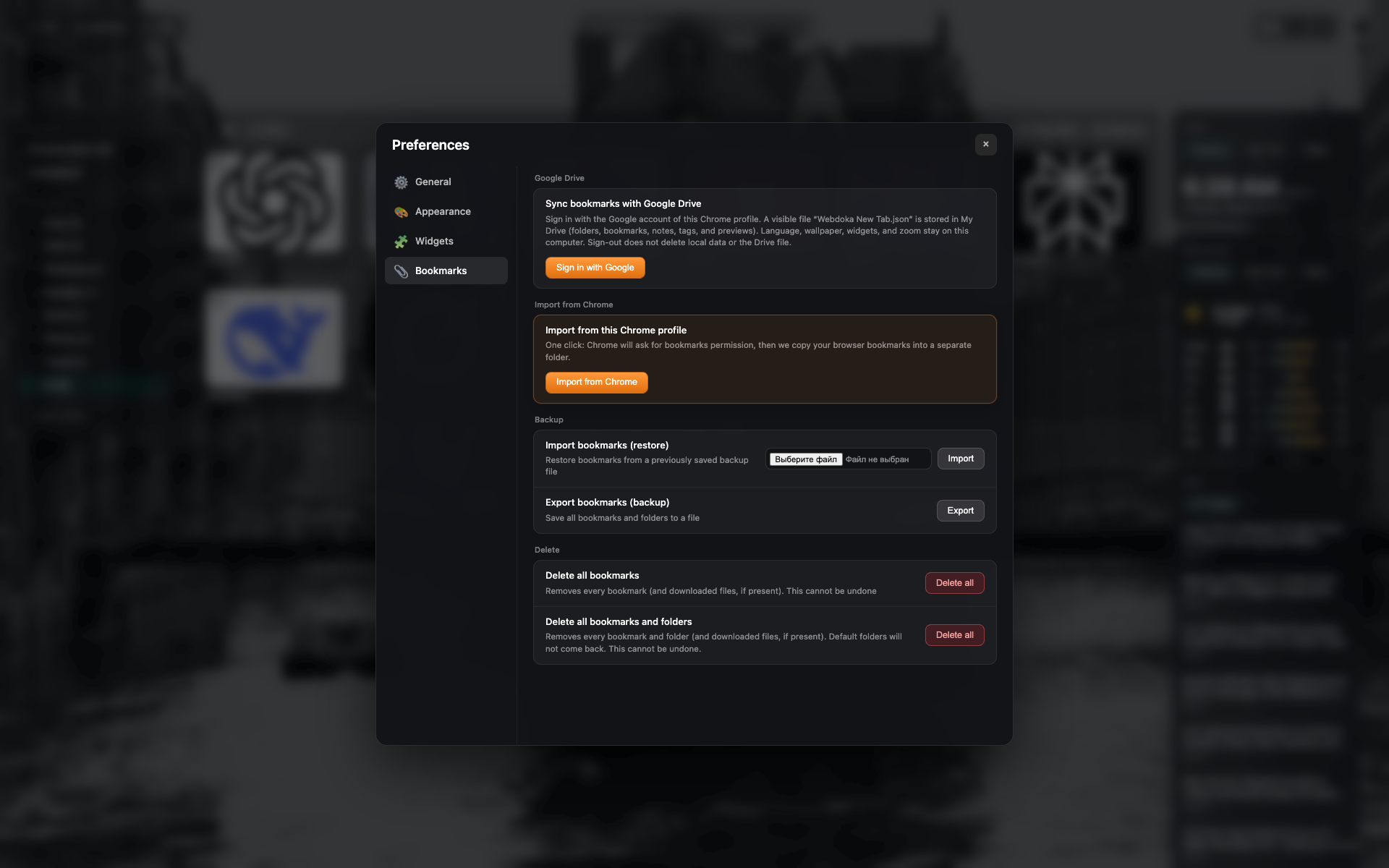
Bloque Google Drive
Estado sin sesión: botón de inicio de sesión.
Mismo encuadre pestaña Marcadores: recortar a sección Drive.
← Previous
Configuración — Marcadores (copia e importación)
Next →
Idioma de la interfaz y Novedades
Didn’t find an answer?
Tell us what’s missing — we build the extension around real requests.