
Sinkron Google Drive
Where in the UI: Preferensi → Clips → bagian Google Drive.
Sinkronkan perpustakaan sebagai file JSON di Drive Anda (bukan server Webdoka).
Interface elements
Masuk / Keluar
Sinkronkan sekarang
Email + avatar saat masuk
File Webdoka New Tab.json di Google Drive saya
Bahasa/latar/widget tetap lokal
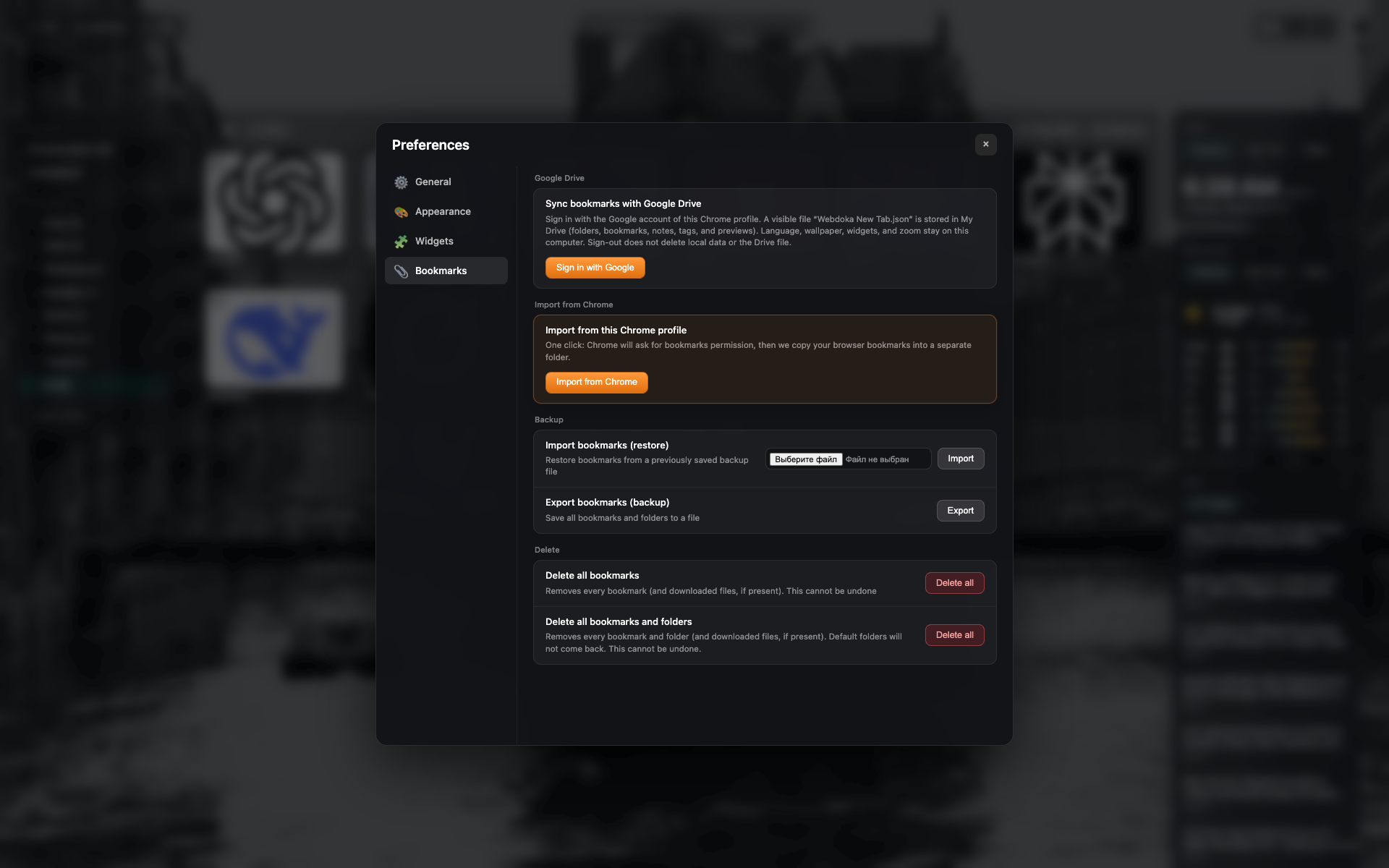
Blok Google Drive
Status keluar: tombol masuk.
Bingkai tab Bookmark sama — crop ke bagian Drive.
Related topics
Didn’t find an answer?
Tell us what’s missing — we build the extension around real requests.