
Ručné pridanie záložky
Where in the UI: Súbor → Neues zakładki; Karta "+"; #addClipModal.
Eine URL ohne Seiten-Clipper hinzufügen.
Interface elements
Felder: URL, Titel, Priečinokauswahl
Zrušiť / Pridať
Menu-Tastenkürzel: ⌘N / Strg+N
Main flow
1
Súbor → Neues zakładki.
2
Wpisz URL (opcjonalnie tytuł), vyberte priečinok.
3
Pridať → karieta pojawia się w siatce.
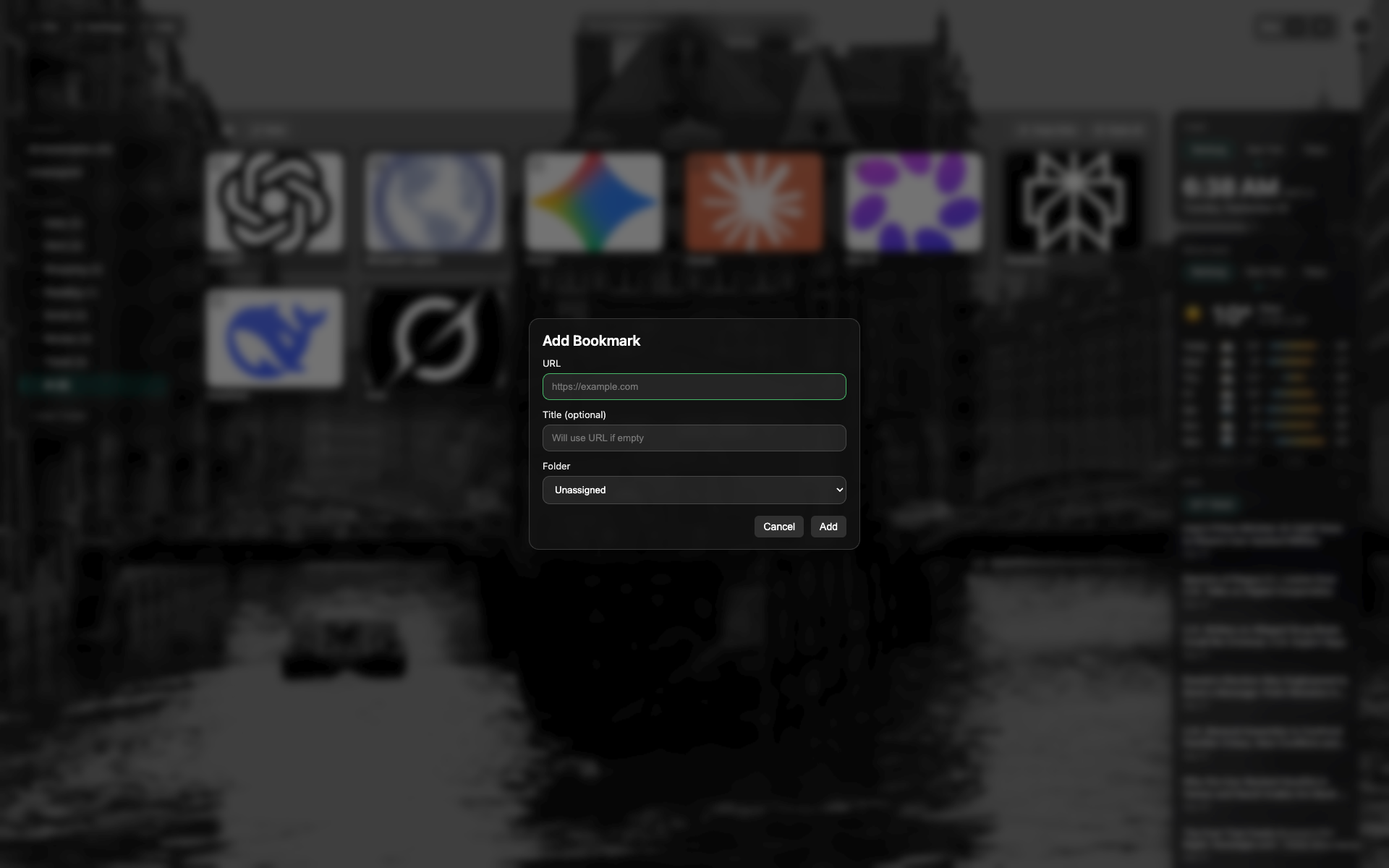
Modal "Neues zakładki"
Pola URL i tytułu, wybór priečinka.
Tlačidloi Zrušiť / Pridať unten im Modal.
Related topics
Didn’t find an answer?
Tell us what’s missing — we build the extension around real requests.