
Laki ng card (Zoom)
Where in the UI: Size −/+ control sa NTP
Gawing mas siksik o mas malaki ang card; nase-save ang value (clipZoomScale: 0.5 / 0.75 / 1)
Interface elements
− at + na button
Sinusukat ng card ang laki ng title
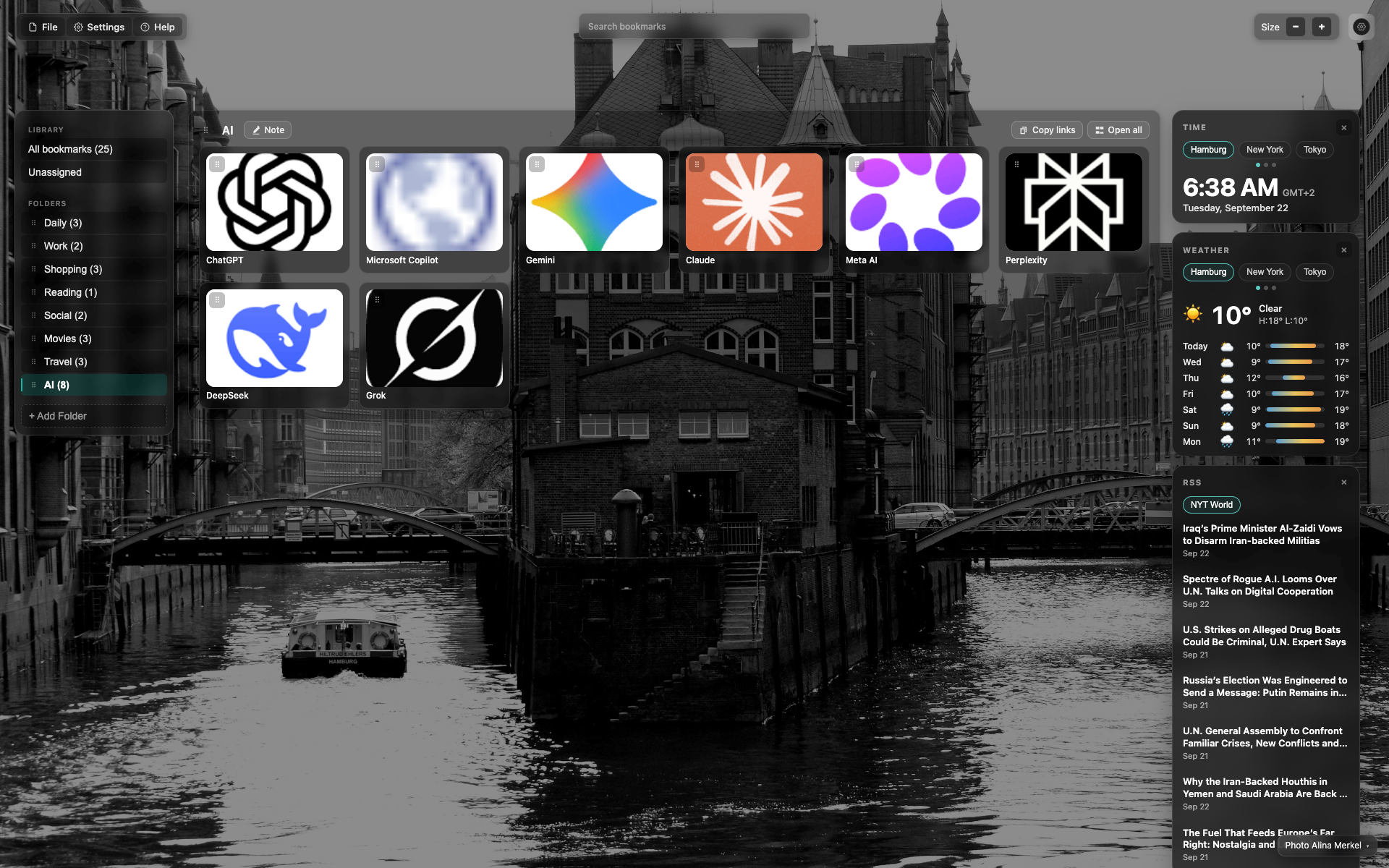
Kontrol na "Size"
Top bar kanan: "Size" label na may − at +
Ipinapakita ng frame ang gitnang 0.75 scale
Related topics
Didn’t find an answer?
Tell us what’s missing — we build the extension around real requests.