
Settings — Bookmarks (backup at import)
Where in the UI: Preferences → Clips (sa ilalim ng Drive block)
I-import ang Chrome bookmarks, export/import JSON, i-delete lahat ng clip
Interface elements
Import Chrome bookmarks API (opsyonal na bookmarks permission)
Import / Export JSON
I-delete lahat ng clip (may kumpirmasyon)
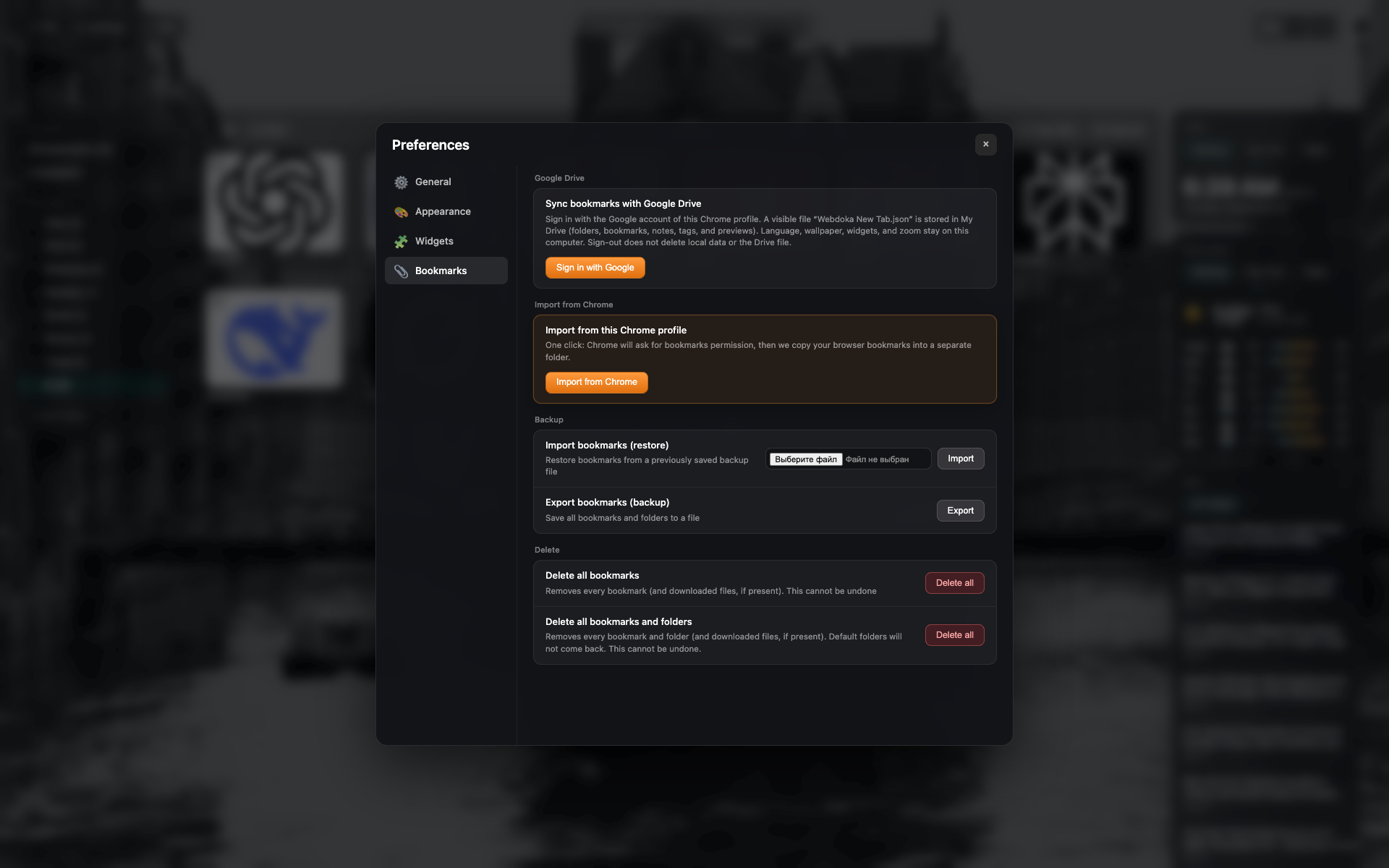
Tab na "Bookmarks"
Google Drive at local backup/import na seksyon
Mga button para i-import ang Chrome bookmarks, JSON, at mag-delete
Related topics
Didn’t find an answer?
Tell us what’s missing — we build the extension around real requests.