
Custom thumbnail
Where in the UI: card right-click → "Edit thumbnail" → #customThumbnailModal
Mag-set ng sariling preview, o i-reset / i-capture muli
Interface elements
Mag-upload ng image/* file
Mga button: Reset / Cancel / Save
Sa right-click menu: "Generate preview" (screenshot ng URL page)
Main flow
1
Buksan ang modal
2
Pumili ng file → Save (blob sa IndexedDB)
3
Inaalis ng Reset ang custom thumbnail
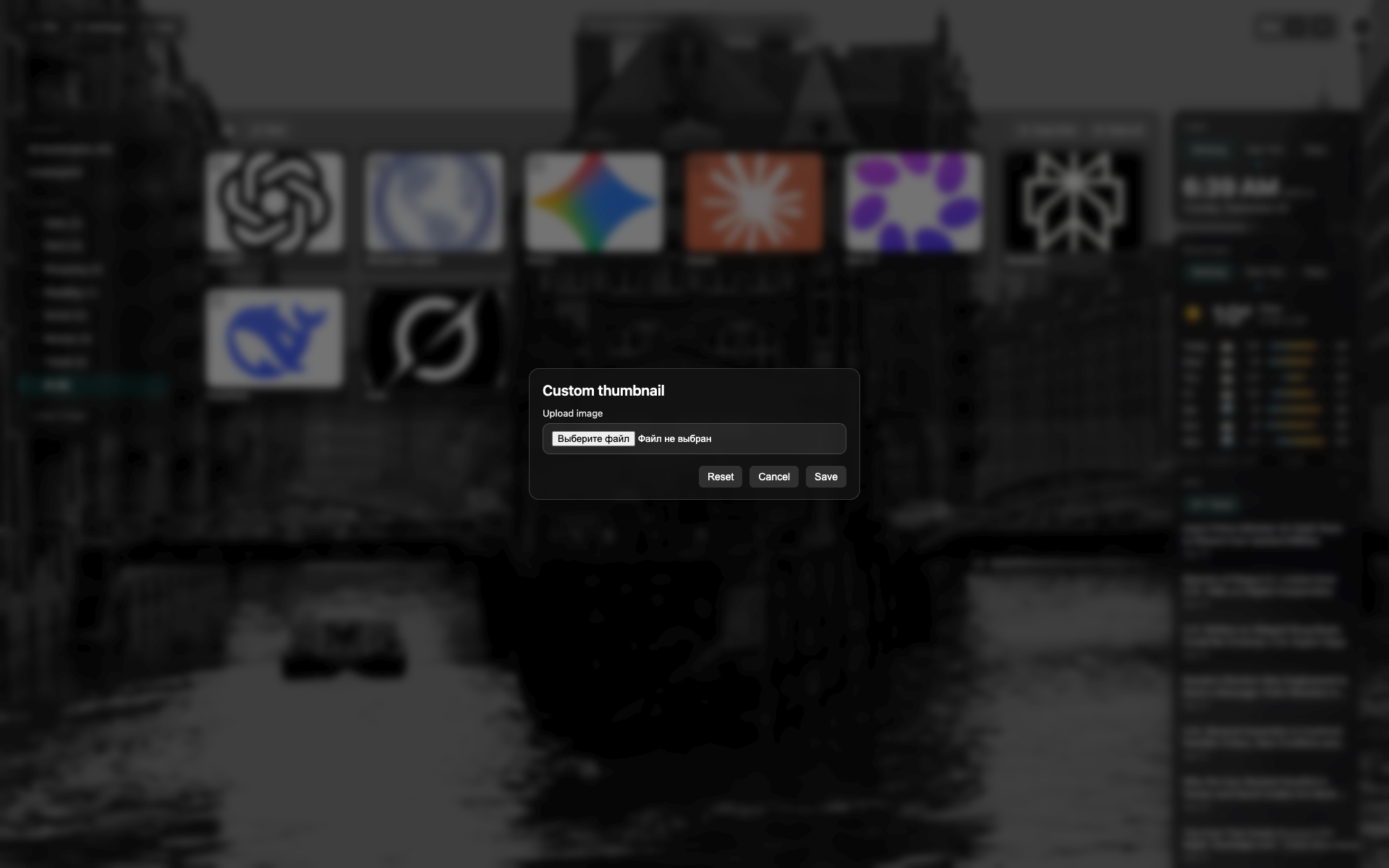
Thumbnail modal
Madilim na modal sa gitna ng NTP
File-pick / preview area; Reset at Save na button
Related topics
Didn’t find an answer?
Tell us what’s missing — we build the extension around real requests.