
Ảnh thu nhỏ tùy chỉnh
Where in the UI: nhấp phải thẻ → "Edit thumbnail" → #customThumbnailModal
Đặt ảnh xem trước riêng, hoặc reset / chụp lại
Interface elements
Tải lên tệp image/*
Nút: Reset / Cancel / Save
Trong menu chuột phải: "Generate preview" (ảnh chụp trang URL)
Main flow
1
Mở hộp thoại
2
Chọn tệp → Save (blob trong IndexedDB)
3
Reset xóa ảnh thu nhỏ tùy chỉnh
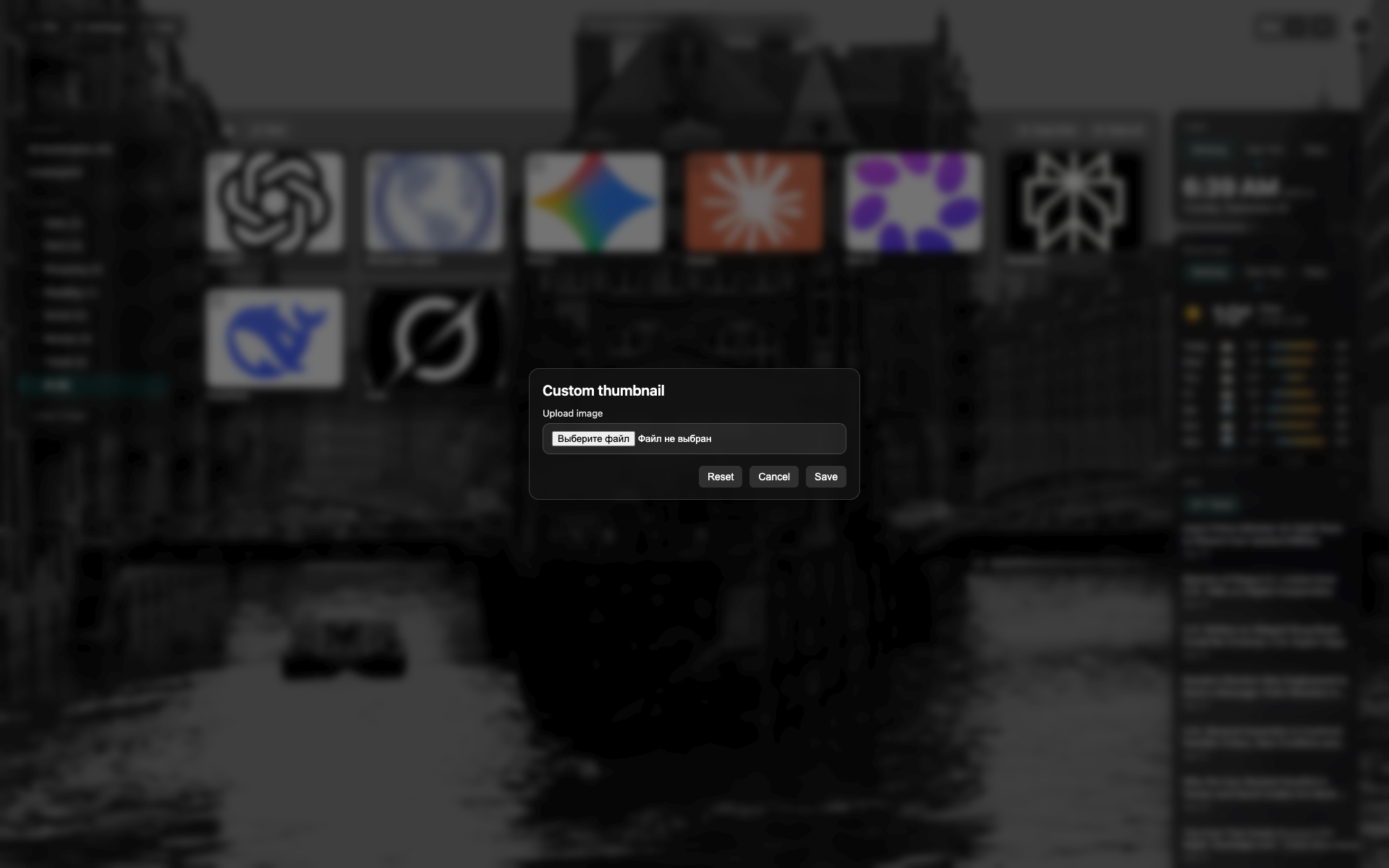
Hộp thoại ảnh thu nhỏ
Hộp thoại tối ở giữa trên NTP
Khu chọn tệp / xem trước; nút Reset và Save
Related topics
Didn’t find an answer?
Tell us what’s missing — we build the extension around real requests.