
自定义缩略图
Where in the UI: 卡片右键 → 「编辑缩略图」 → #customThumbnailModal。
设置自己的预览图,或重置 / 重新捕获。
Interface elements
上传 image/* 文件
按钮:重置 / 取消 / 保存
右键菜单中也有:「生成预览」(URL 页面截图)
Main flow
1
打开对话框。
2
选择文件 → 保存 (IndexedDB 中的 blob)。
3
重置会移除自定义缩略图。
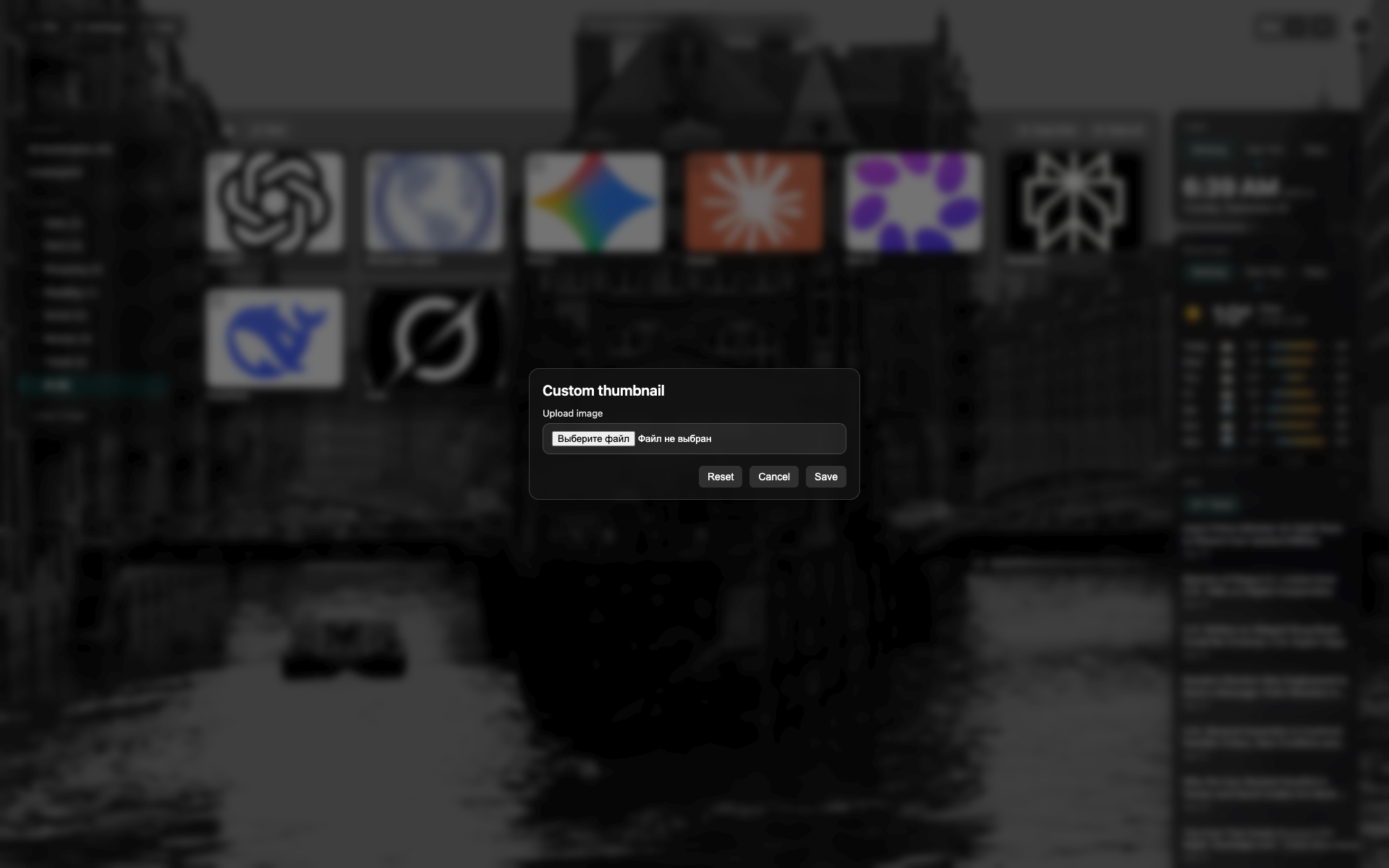
缩略图对话框
NTP 上居中深色对话框。
文件选择 / 预览区;重置与保存按钮。
Related topics
Didn’t find an answer?
Tell us what’s missing — we build the extension around real requests.