
时间组件
Where in the UI: 组件列;在 Plugins+ / 设置 → 组件 中配置。
查看多城市时间。
Interface elements
城市列表 (Open-Meteo geocoding)
格式:区域自动 / 12 小时 / 24 小时 / 24 小时紧凑
新配置默认:汉堡、纽约、东京
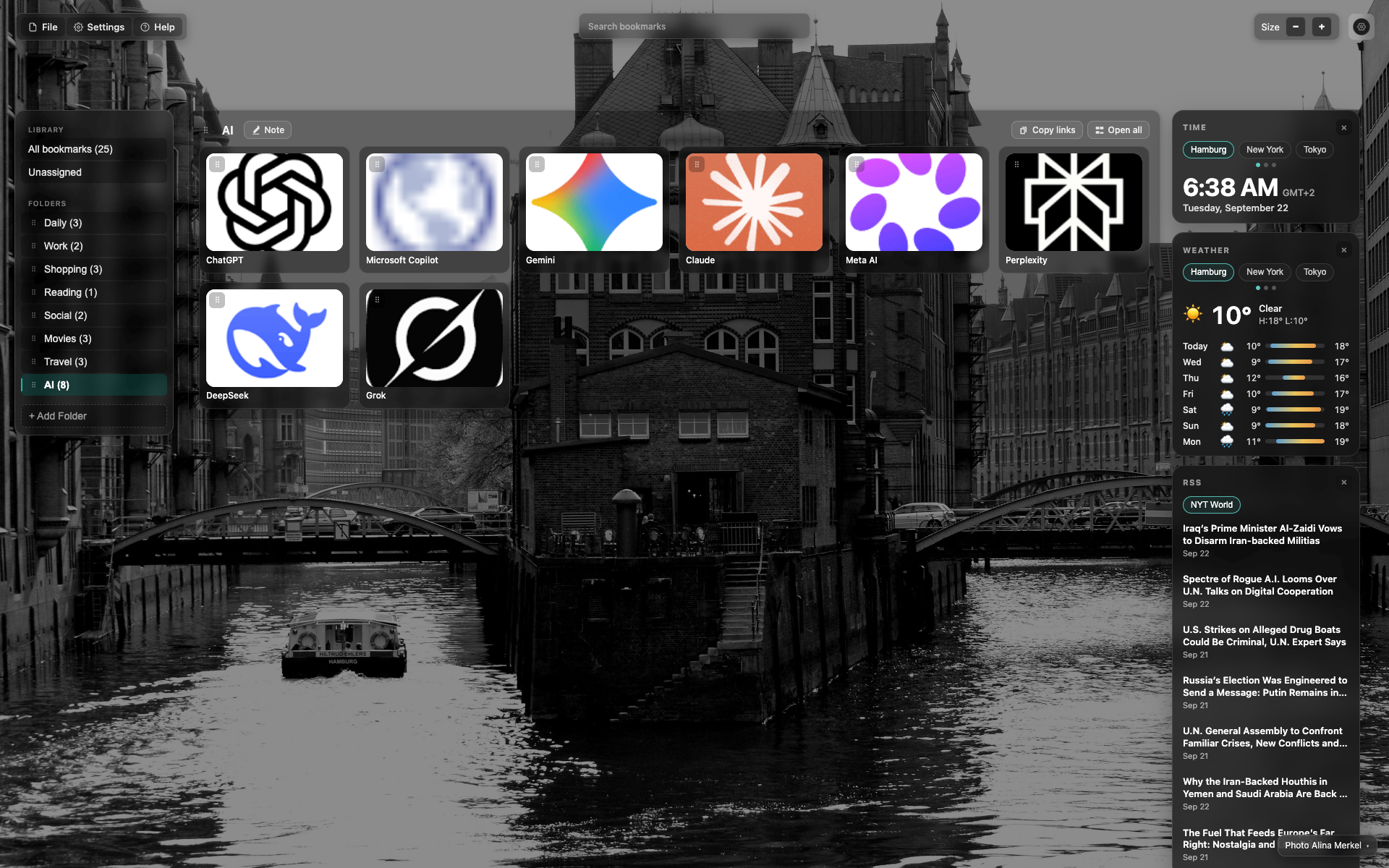
「时间」组件
大时钟 + 日期。
城市标签;汉堡为当前。
Related topics
Didn’t find an answer?
Tell us what’s missing — we build the extension around real requests.