
文件夹与卡片备注
Where in the UI: 右键 / 「备注」按钮 → #noteModal。
保存文件夹摘要与各站点的备注。
Interface elements
文本区 (最多 4000 字符)
复制 / 取消 / 保存
备注非空时的指示
文件夹与卡片文本相互独立
Main flow
1
打开文件夹或卡片备注。
2
输入文本 → 保存或复制到剪贴板。
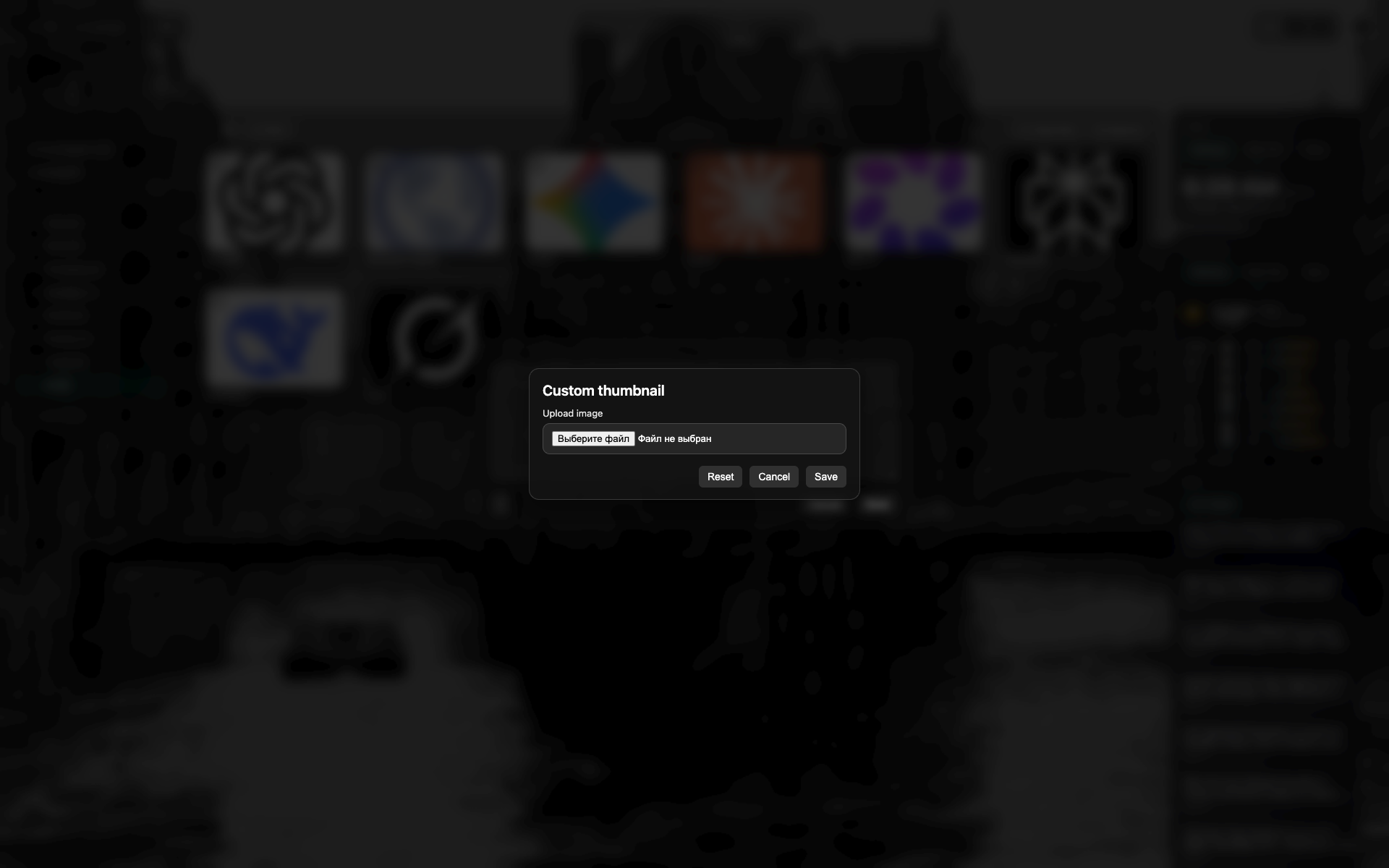
备注对话框
大文本框。
复制 / 取消 / 保存按钮。
Related topics
Didn’t find an answer?
Tell us what’s missing — we build the extension around real requests.