
การตั้งค่า — Bookmarks (สำรองและนำเข้า)
Where in the UI: Preferences → Clips (ใต้บล็อก Drive)
นำเข้าบุ๊กมาร์ก Chrome, ส่งออก/นำเข้า JSON, ลบ clips ทั้งหมด
Interface elements
API นำเข้าบุ๊กมาร์ก Chrome (สิทธิ์ bookmarks ทางเลือก)
นำเข้า / ส่งออก JSON
ลบ clips ทั้งหมด (พร้อมยืนยัน)
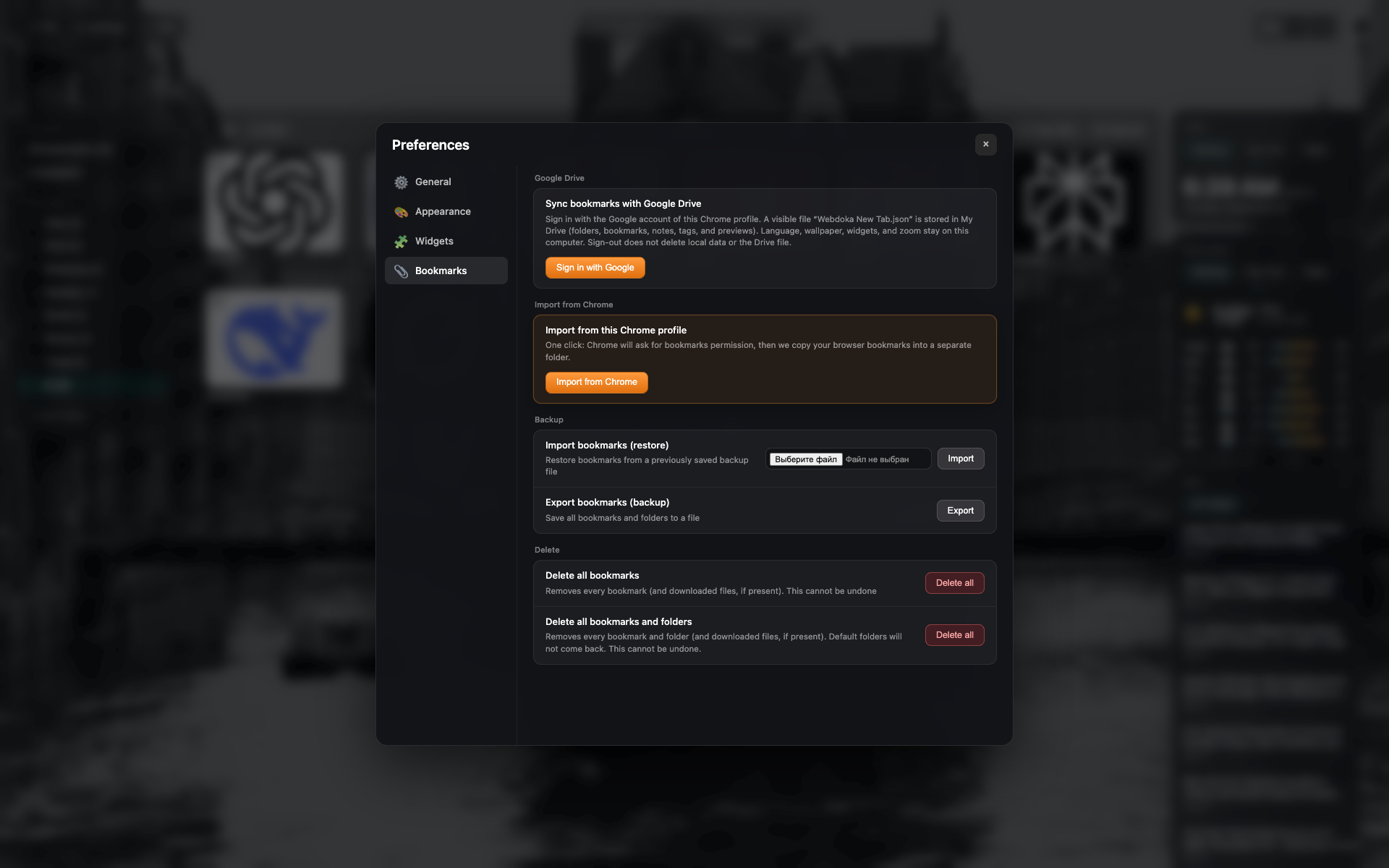
แท็บ "Bookmarks"
ส่วน Google Drive และสำรอง/นำเข้าในเครื่อง
ปุ่มนำเข้าบุ๊กมาร์ก Chrome, JSON และลบ
Related topics
Didn’t find an answer?
Tell us what’s missing — we build the extension around real requests.