
కీబోర్డ్ షార్ట్కట్లు
Where in the UI: manifest.commands + chrome://extensions/shortcuts; a button in సాధారణ.
माउस बिना क्लिप
Interface elements
Alt+S — क्षेत्र चयन शुरू (start_clip_selection)
Shift+Alt+S — पेज Unassigned ರಲ್ಲಿ सहेजें
NTP ఫైల్ మెను: ⌘N / ⇧⌘N / ⌘, (local page shortcuts)
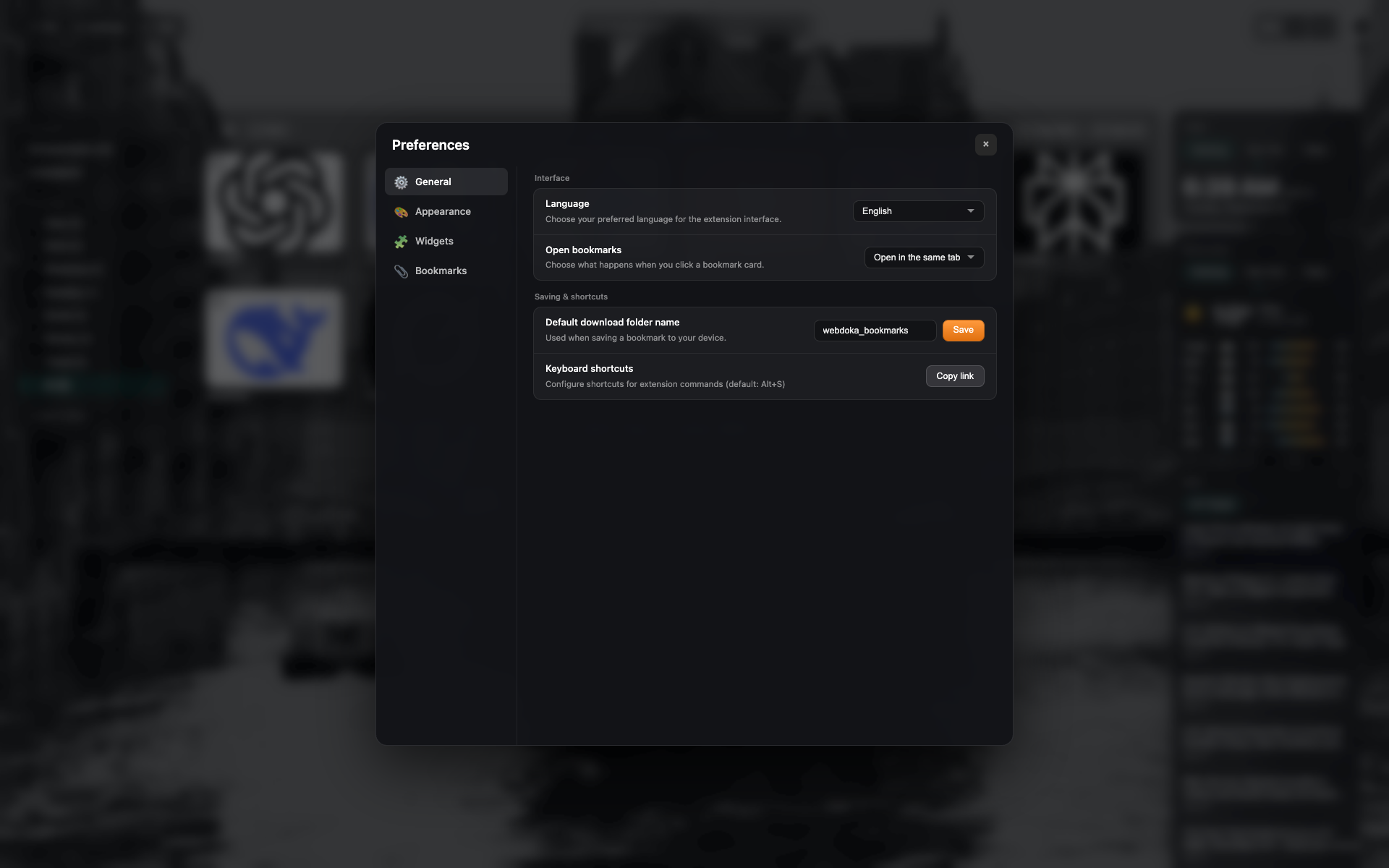
The shortcuts row in General
A "Keyboard shortcuts" block with a button to copy/open chrome://extensions/shortcuts.
Same frame as settings-general — crop to the row.
Related topics
Didn’t find an answer?
Tell us what’s missing — we build the extension around real requests.