
頁面上下文選單 (Chrome)
Where in the UI: 右鍵網頁 → 擴充套件的「儲存頁面」項。
從系統選單將頁面儲存到所選資料夾。
Interface elements
頂級項 + 資料夾子選單 (樹形)
資料夾變更時在後臺構建
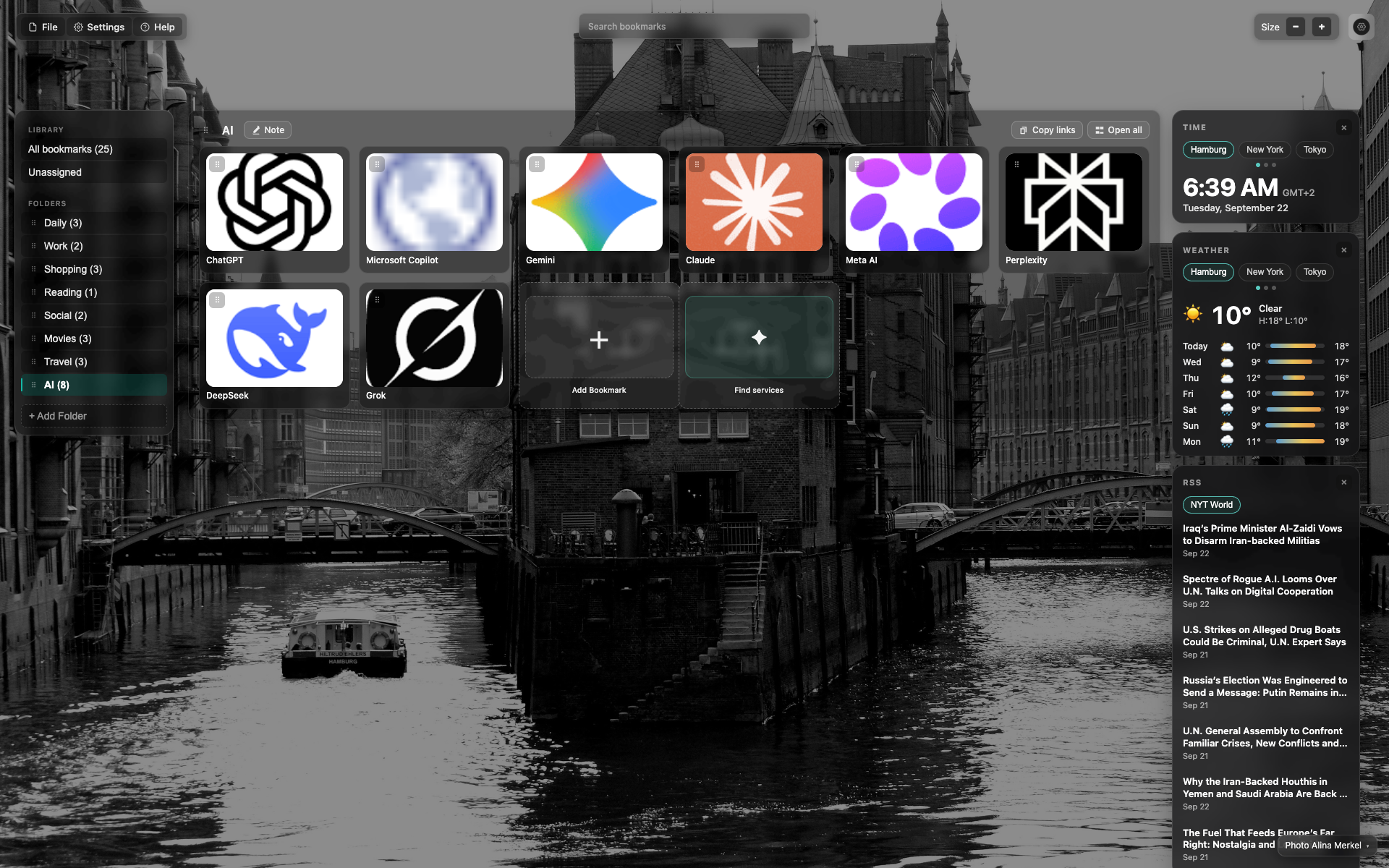
佔位
目前 — 作為章節提示的 NTP 畫面。
需要截圖:在網站上右鍵 → Webdoka 項 → 資料夾樹。
Didn’t find an answer?
Tell us what’s missing — we build the extension around real requests.