
Plugins+ (元件)
Where in the UI: 檔案 → 元件 / #pluginsBtn → #pluginsModal。
啟用並配置右側 NTP 列的元件。
Interface elements
Plugins+ 對話方塊:時間、天氣、RSS
啟用後新增到 NTP;元件上的 × 可隱藏
右鍵元件 → 設定 / 禁用
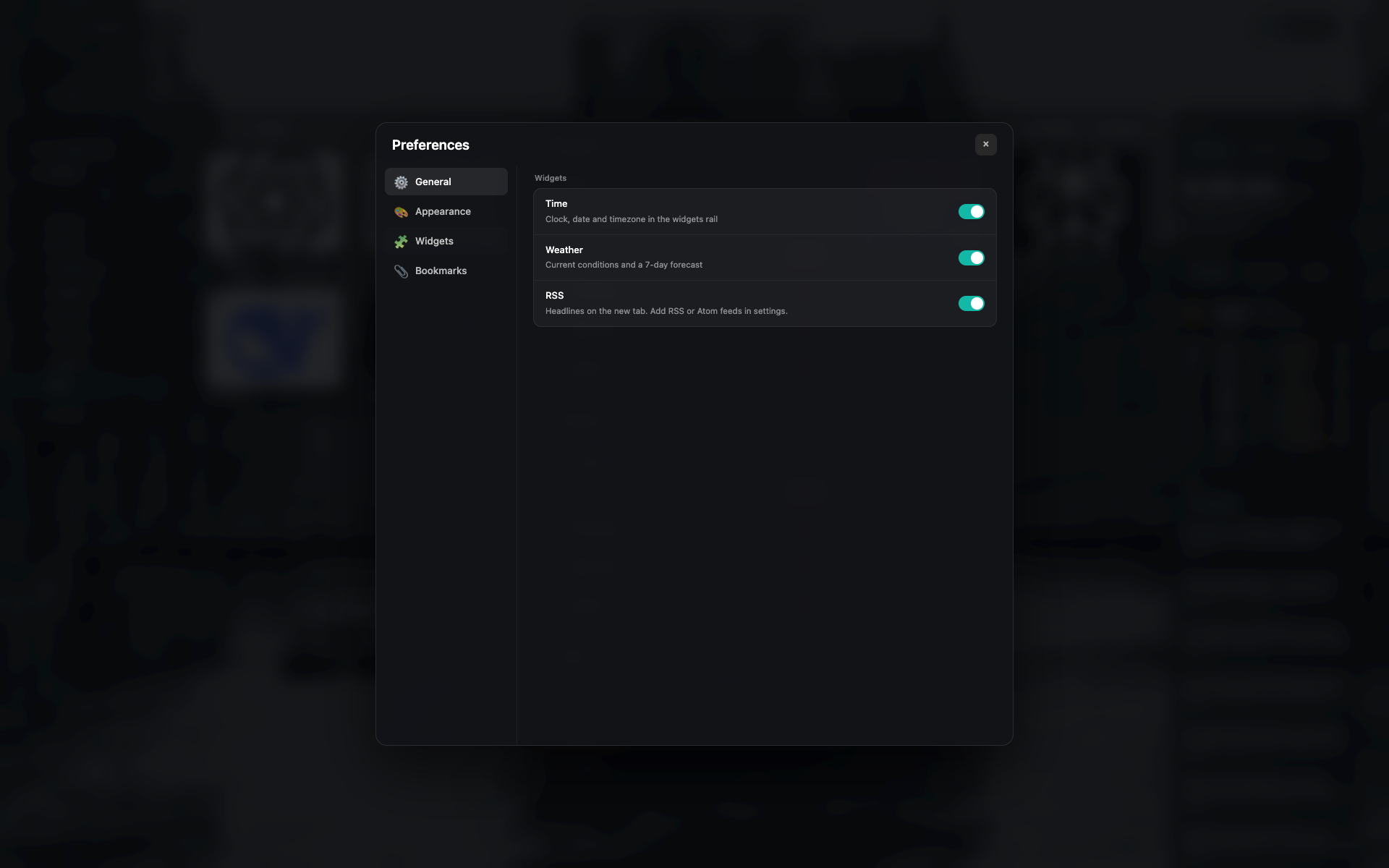
Plugins+ 對話方塊
帶開關與簡要設定的元件列表。
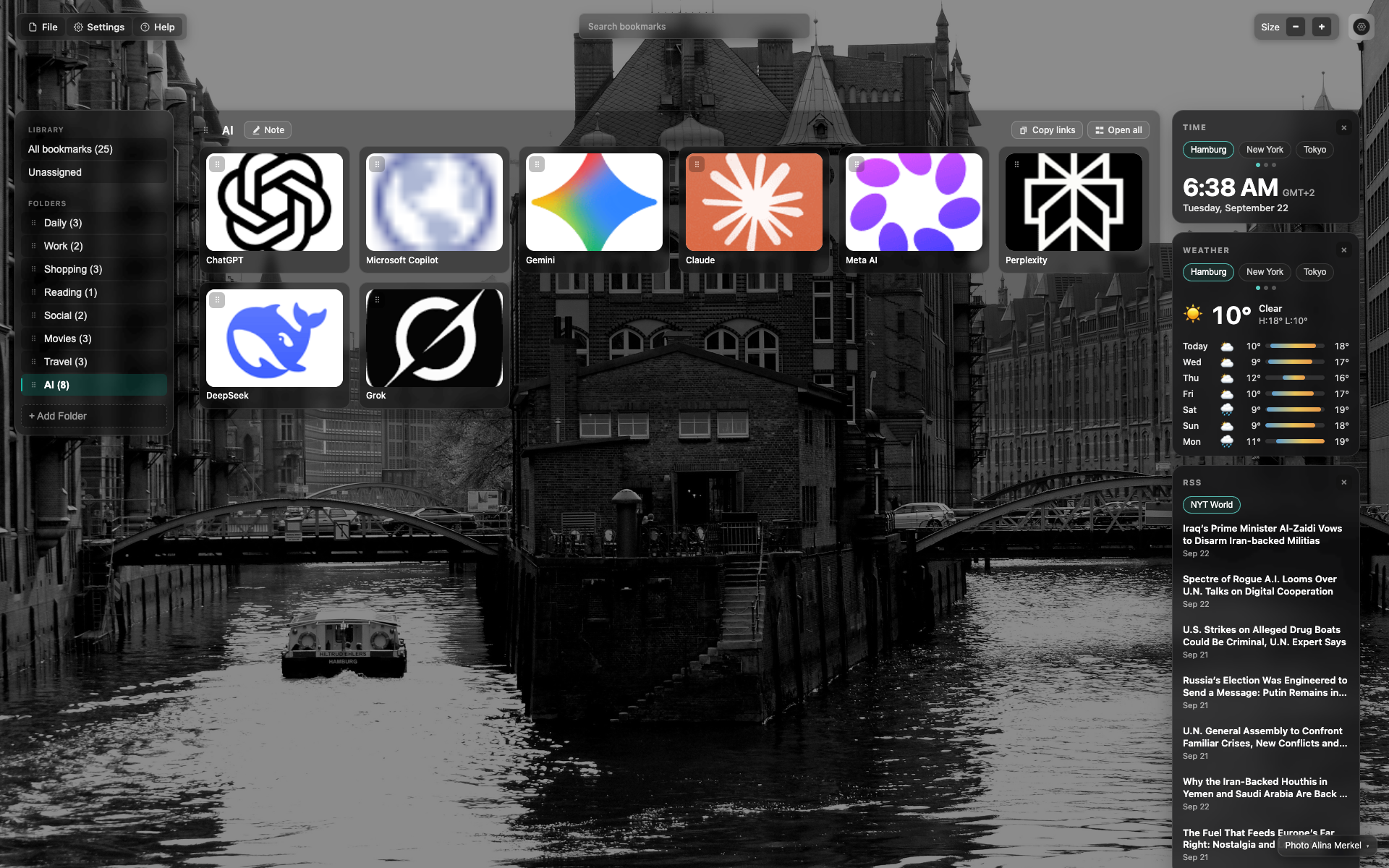
右側元件列
自上而下:時間 → 天氣 → RSS。
時間與天氣有城市標籤 (Hamburg / New York / Tokyo)。
Didn’t find an answer?
Tell us what’s missing — we build the extension around real requests.