
Plugins+ (widgets)
Where in the UI: Ficheiro → Widget / #pluginsBtn → #pluginsModal.
Attiva e configura i widget nella colonna destra della NTP.
Interface elements
Modale Plugins+: Hora, Meteorologia, RSS
L'attivazione aggiunge il widget alla NTP; la X su un widget lo nasconde
Clique destro su widget → impostazioni / disabilita
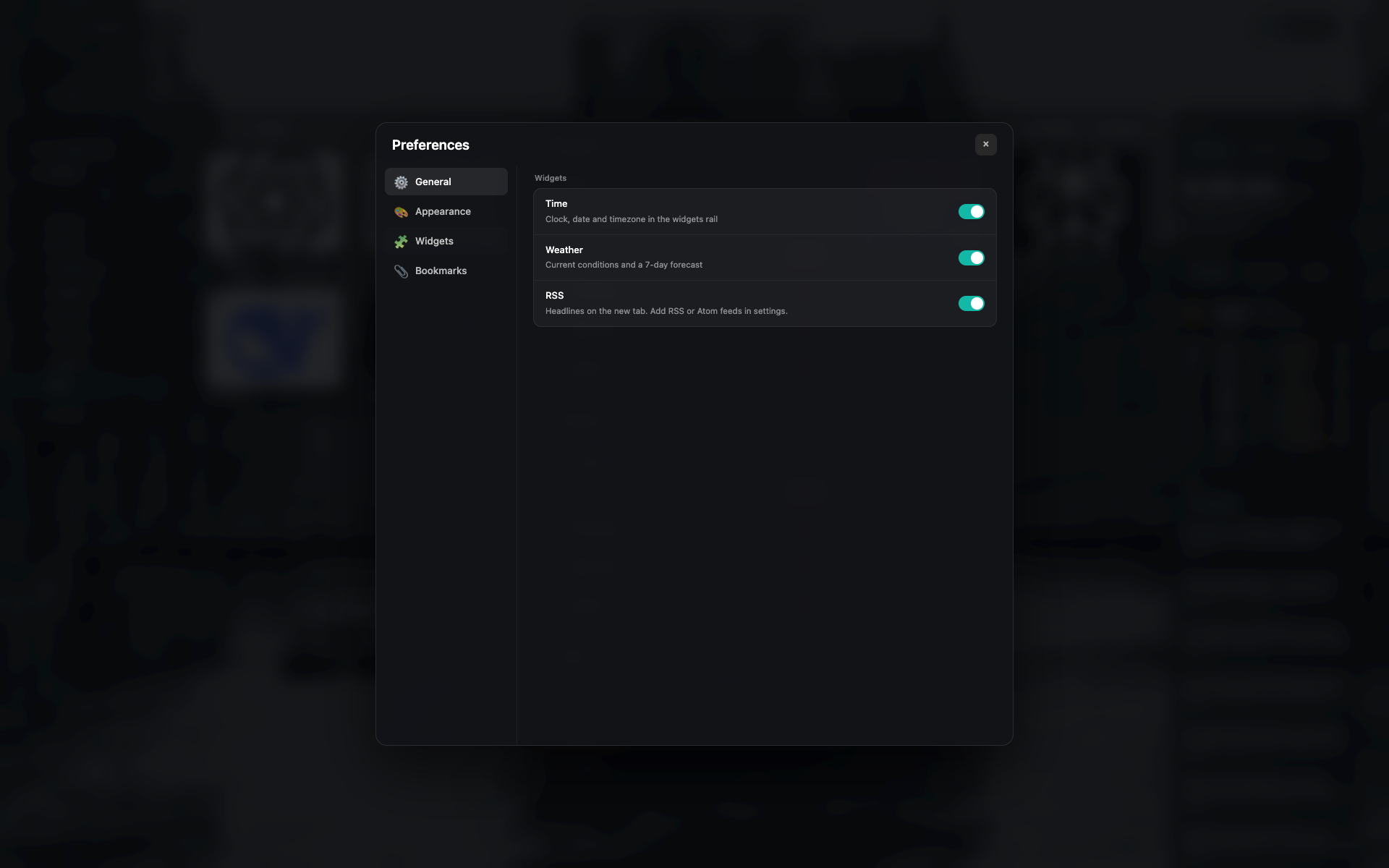
Modale Plugins+
Elenco widget con interruttori e impostazioni brevi.
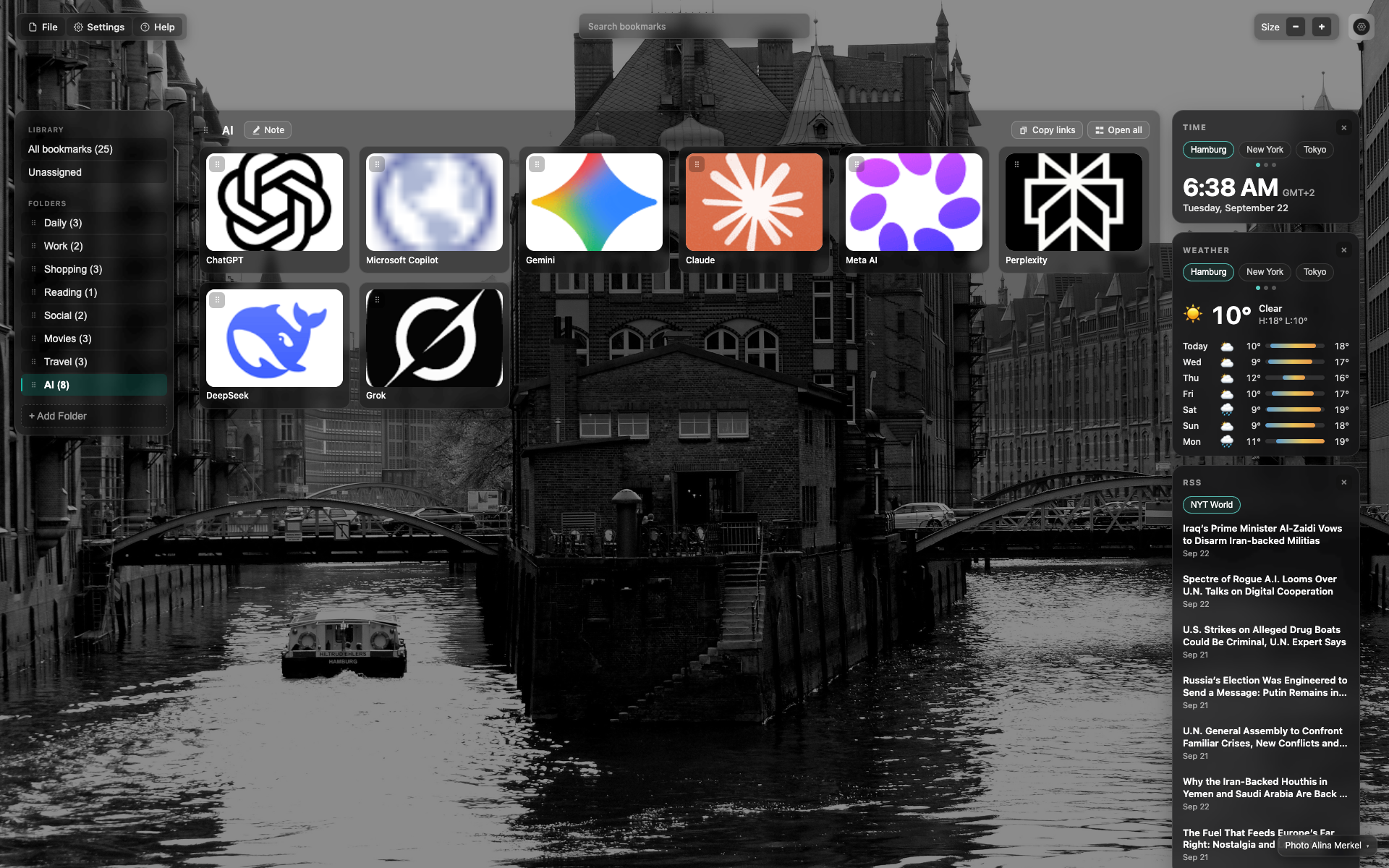
Colonna widget à direita
Dall'alto in basso: Hora → Meteorologia → RSS.
Hora e meteo hanno cartões città (Amburgo / New York / Tokyo).
Related topics
Didn’t find an answer?
Tell us what’s missing — we build the extension around real requests.